
Surge vs. Render
 By SW Habitation
Surge

Render
You know when you’ve finished building your website and just want to get it online without dealing with all the techy stuff? That’s where deployment platforms help. They make it super easy to put your site live, just connect your code, click a button, and it’s up and running. No need to worry about servers or complicated setups.
They also take care of the important things like speed, security, and updates in the background. So while they handle the heavy stuff, you can focus on making your website look good and work great. It's simple, right?
What is Surge ?
Surge is a simple, command-line-based deployment platform for static websites. It’s designed for developers who want a fast, no-frills way to publish static sites with a single command. Surge is particularly popular among frontend developers who need quick deployments for prototypes, client demos, or static projects.
Key Features of Surge
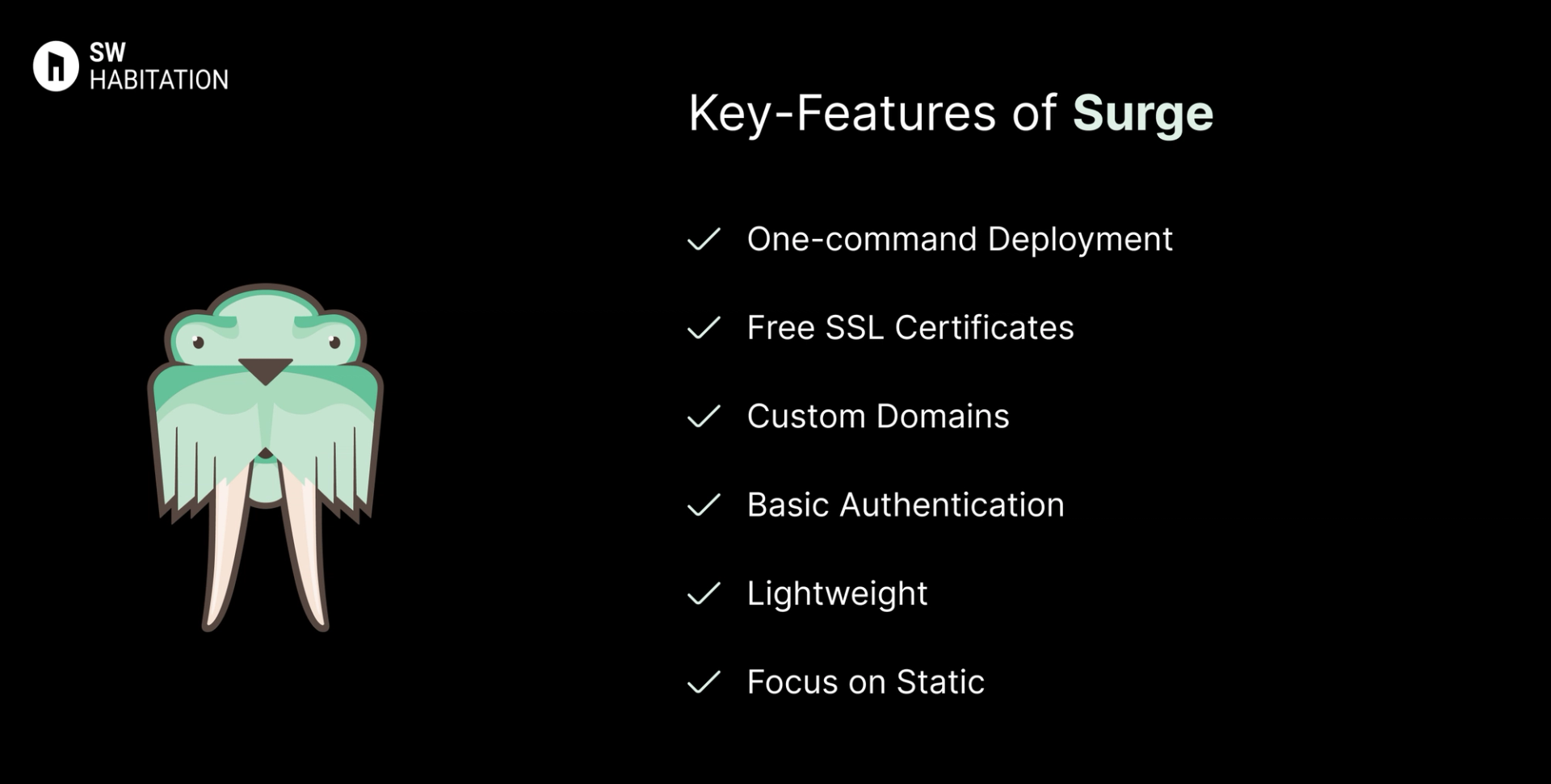
- One-command Deployment: Publish a site using the surge CLI in seconds.
- Free SSL Certificates: Automatic HTTPS on all custom domains.
- Custom Domains: Easily attach your own domain to projects.
- Basic Authentication: Protect your site with password authentication.
- Lightweight: No complex setup or configuration required.
- Focus on Static: Specifically designed for static HTML, CSS, and JavaScript projects.
Advantages of Surge
- Extremely simple CLI workflow (one command deploy).
- Free SSL certificates included.
- Supports custom domains for free.
- Great for quick prototypes and static sites.
- Lightweight and beginner-friendly.
Disadvantages of Surge
- Only supports static sites (no backend, databases, or APIs).
- Lacks advanced features like serverless functions or CI/CD.
- Limited scalability compared to Netlify, Vercel, or Render.
- Documentation and community are smaller than competitors.
What is Render?
Render is a modern cloud platform that helps developers deploy web apps, APIs, databases, static sites, background workers, and cron jobs — without worrying about infrastructure. It combines the simplicity of platforms like Heroku with the scalability of modern cloud providers.
Render provides automatic scaling, global CDN, free SSL certificates, and managed databases, making it a powerful yet developer-friendly solution. It is often called the "Heroku alternative" because of its ease of use, flexible pricing, and feature-rich free tier.
Key Features of Render
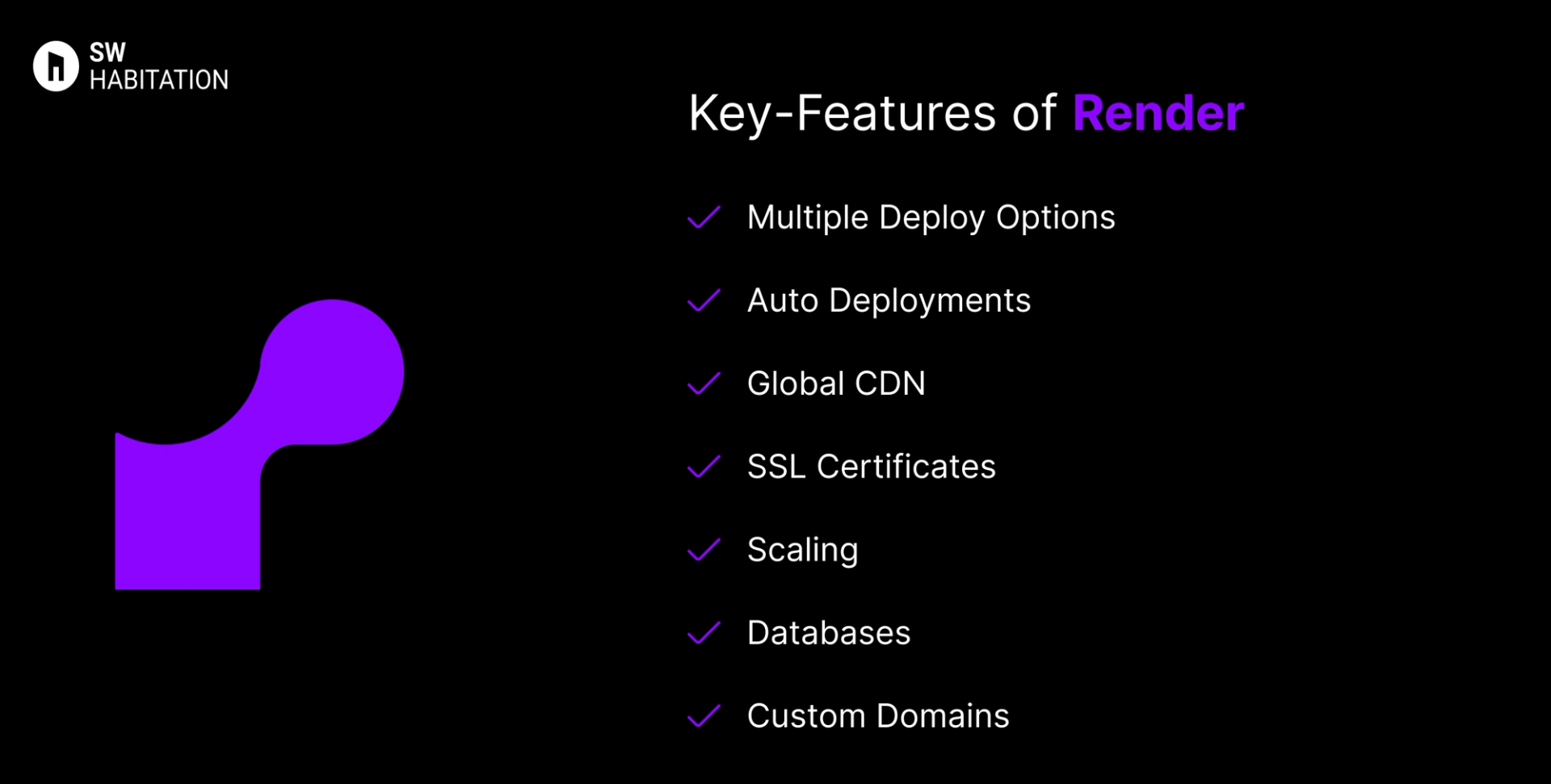
- Multiple Deploy Options: Static sites, web services, background workers, cron jobs, and databases.
- Auto Deployments: GitHub/GitLab integration with automatic deploys on new commits.
- Global CDN: Built-in caching with worldwide delivery.
- SSL Certificates: Free automatic HTTPS via Let’s Encrypt.
- Scaling: Auto-scaling with zero-downtime deployments.
- Databases: Managed PostgreSQL and Redis hosting.
- Custom Domains: Easy setup with DNS management included.
Advantages of Render
- Very simple and intuitive for developers.
- Free plan includes custom domains + SSL.
- A strong alternative to Heroku (especially after Heroku pricing changes).
- Great scalability, suitable for small apps → production apps.
- Built-in support for background jobs and cron tasks.
Disadvantages of Render
- Free tier has limited resources, not ideal for heavy workloads.
- Fewer third-party integrations compared to Vercel/Netlify.
- Database hosting is costlier compared to cloud-native providers.
- Smaller ecosystem vs AWS, Azure, or GCP.
Comparison Between Surge vs Render
Use Cases of Surge
- Prototypes: Quickly share demos with clients.
- Portfolios: Publish personal sites and resumes.
- Static Sites: Deploy blogs, documentation, or landing pages.
- Educational Projects: Perfect for students learning web dev.
Use Cases of Render
- Full-Stack Applications: Deploy frontend + backend + databases seamlessly.
- APIs & Microservices: Easily host Node.js, Python, or Go APIs.
- Static Sites: Host JAMstack sites with free CDN and SSL.
- Background Jobs: Run scheduled workers and cron jobs natively.
- Startups & Prototyping: Quick to set up and scale without heavy DevOps.
Other Resources
Conclusion
Deployment platforms are a total game changer if you’re looking to launch your website quickly, reliably, and without any trouble. Whether it’s a personal portfolio, a startup site, or a growing business platform, they handle the technical heavy lifting like hosting, security, and scalability so you can stay focused on building great experiences for your users.
You’re not boxed into a single approach. Most platforms integrate smoothly with the tools and frameworks you already love, letting you deploy directly from your Git repository, preview updates, and roll back with ease. With lightning-fast performance and dependable uptime, deployment platforms simplify the path from code to production. Pick the one that aligns with your workflow, and you’re all set to launch with confidence 🚀
Frequently asked questions
Is Surge free to use?
Yes, Surge has a free plan that lets you publish sites with a surge.sh subdomain.
Can I use a custom domain with Surge?
Yes, but custom domain + SSL requires a paid plan.
Does Surge support backend or databases?
No, Surge is only for static websites (HTML, CSS, JS).
How do I deploy a site on Surge?
Install the Surge CLI, run surge in your project folder, and your site is live instantly.
Who is Surge best for?
Developers, students, and freelancers who want a lightweight, fast, static site deployment.
Is Render free to use?
Yes, Render offers a free tier for static sites, PostgreSQL starter database, and limited web services.
Can I deploy a full-stack app on Render?
Yes! Render supports frontend hosting, APIs, workers, and managed databases.
How does Render compare to Heroku?
Render is seen as a modern, cheaper, and faster alternative to Heroku, with free SSL and CDN included.
Does Render provide a CDN?
Yes, all static content is served via a global CDN with caching.
Which databases are supported?
Currently, Render supports PostgreSQL and Redis with managed hosting.