
Sanity vs. Kontent.ai
 By SW Habitation
Sanity

Kontent.ai
You know, when you wanna make a website or a blog but don’t wanna mess with too much code? That’s where a CMS (Content Management System) comes in. It’s like a super easy tool that helps you add text, pictures, and videos to your site without needing to be a tech genius. You just log in, click a few buttons, and your content is live. It's quite simple, right?
What is Sanity CMS ?
Sanity is a real-time, headless content platform that offers a customizable content studio (Sanity Studio) and flexible API access. It is known for its structured content modeling and developer-first experience.
Key Features of Sanity CMS ?
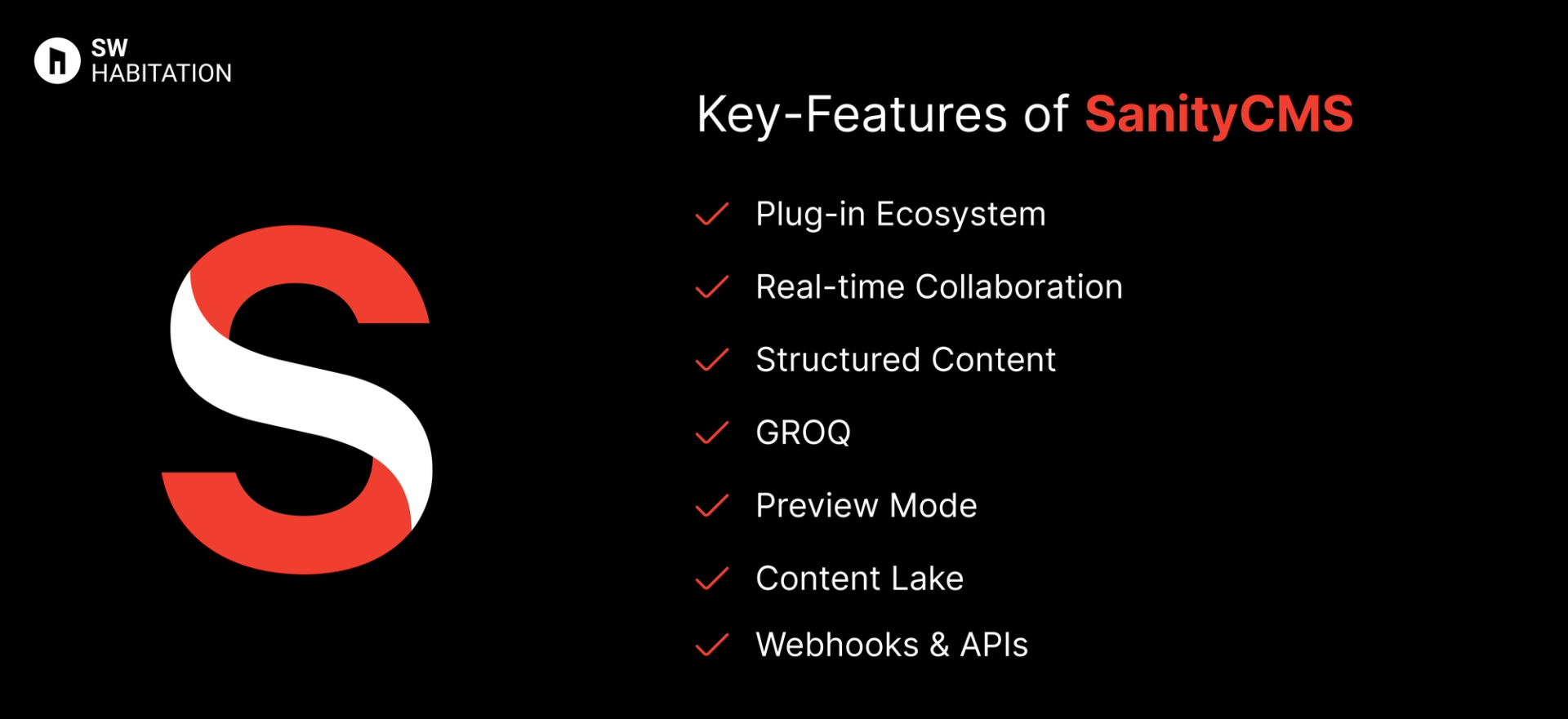
- Plug-in Ecosystem : Extend Studio with community and custom plugins.
- Real-time Collaboration: Multiple editors can work together live.
- Structured Content: Flexible schemas allow deeply nested, rich content types.
- GROQ: Sanity's powerful custom query language.
- Preview Mode: Live preview content with your frontend in real-time.
- Content Lake: Sanity’s globally distributed real-time content backend.
- Webhooks & APIs: Easily integrates with static site generators and webhooks.
Advantages of Sanity CMS
- Headless Freedom: It can be used with any frontend or framework.
- Real-Time Editing: Ideal for collaborative workflows.
- Scalable Content: Handles complex data relationships and large-scale content.
- Great Developer Tooling: Excellent CLI, schema modeling, and APIs.
- Highly Customizable Studio: Designed the UI to your brand/editor needs.
Disadvantages of Sanity CMS
- Learning Curve for GROQ: GROQ is powerful but unfamiliar to most developers.
- No Native Image Hosting: it relies on integrations or external hosting for advanced media workflows.
- Requires Developer Setup: Initial setup and schema modeling may be overwhelming.
- Pricing: It an get expensive at scale or with advanced usage.
What is Kontent.ai?
Kontent.ai is a cloud-based headless CMS (software-as-a-service) designed to empower organizations to manage, structure, and deliver content via APIs to any digital channel—websites, mobile apps, knowledge portals, IoT, and beyond.
It decouples content from presentation, enabling developers to build with their favorite technologies while giving teams centralized, structured control. Controlling complex workflows, governance, and collaboration is its core strength, especially for enterprise and regulated environments.
Key Features of Kontent.ai
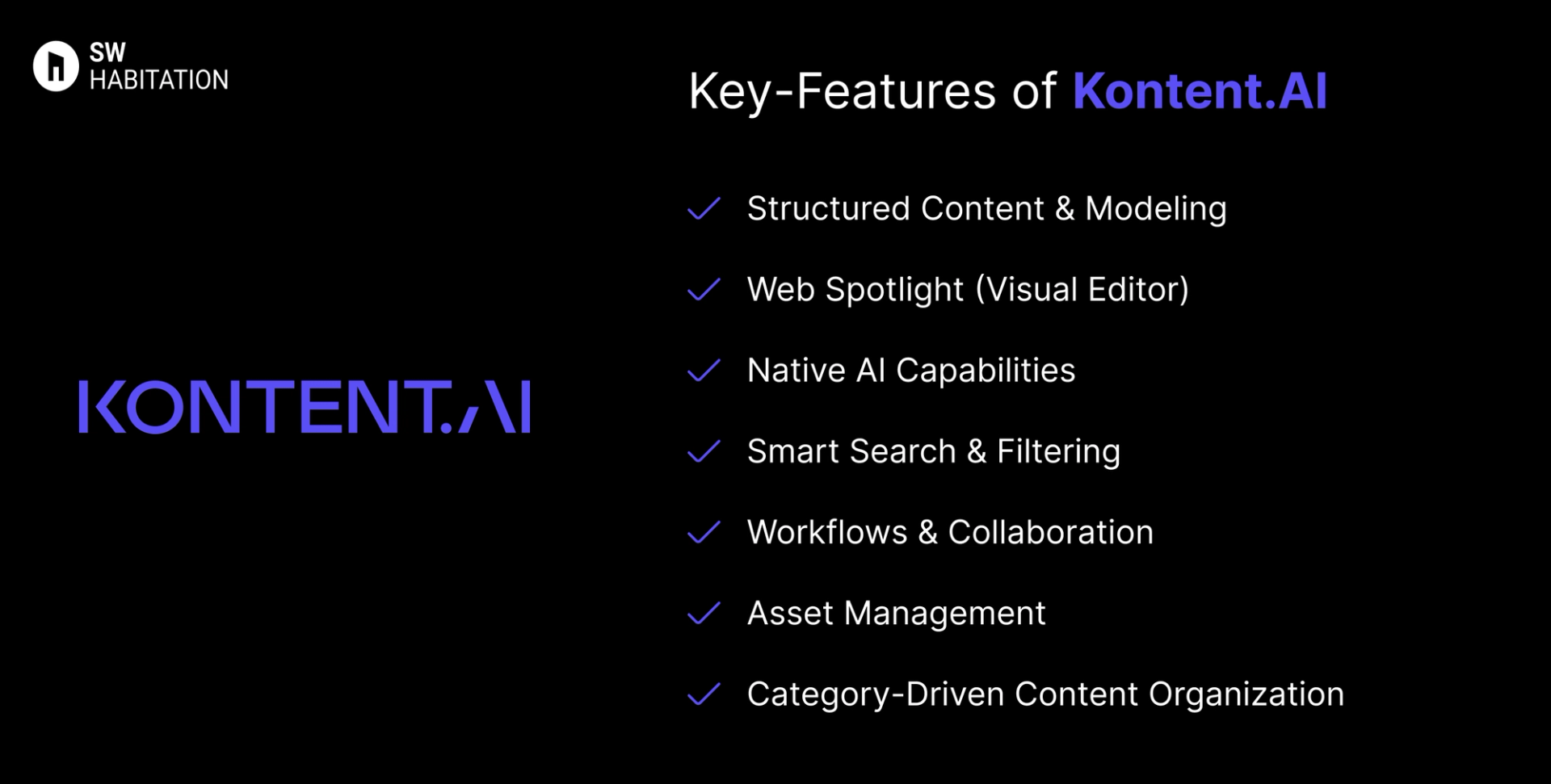
- Structured Content & Modeling: Build modular content types and reusable components for consistent and flexible content reuse.
- Web Spotlight (Visual Editor): Inline editing with live and device-specific previews—even supports creating and arranging pages without developer input.
- Native AI Capabilities: Includes AI-assisted localization, rich text enhancements, content generation, and automated asset tagging all built directly into the platform.
- Smart Search & Filtering: AI-powered search understands context and intent, making finding content faster and more intuitive.
- Workflows & Collaboration: Support for comments, version control, approvals, scheduling, and rich feedback loops.
- Asset Management: Custom asset domains, secure organization, sorting, and secure file delivery.
- Category-Driven Content Organization: Collections, taxonomies, and content reuse tracking help keep large repositories manageable and organized.
Advantages of Kontent.ai
- Trusted by Enterprises: Recognized as a G2 Leader in Spring 2025 for ease of use, setup, and support.
- Intuitive Visual Editing: Web Spotlight enables easy, in-context editing and page creation without waiting for devs.
- Enterprise-Grade Governance: Designed for complex operations, governance, and compliance-heavy workflows.
- Structured Content for Omni-channel: Efficiently reuse modular content across all platforms, ensuring consistency and scalability.
- Built-in AI Assistance: Get powerful AI features like localization and content creation—without external tools.
Disadvantages of Kontent.ai
- Customization Bound by SaaS Limits: Unlike open-source systems, deeper customization might be restricted.
- Proprietary and SaaS Only: You cannot self-host—you're fully dependent on their cloud platform.
- Potential Cost: Tailored for mid to large organizations; advanced features may come with enterprise-level pricing.
Comparison Between Sanity vs Kontent.ai
Use Cases of Sanity
- Jamstack-powered Apps: Integrates seamlessly with static site generators and frontend frameworks for fast, secure apps.
- Content-rich websites : It is Ideal for managing structured, scalable content across marketing sites, blogs, and documentation.
- Editorial Platforms: Enables real-time collaboration, custom workflows, and structured content for publishing teams.
- Headless eCommerce: Powers product content, editorial storytelling, and localization for modern eCommerce platforms.
Use Cases of Kontent.ai
- Global, Multi-Channel Brands: Deliver modular content across markets, languages, and devices seamlessly.
- Highly Regulated Industries: Insurance, healthcare, finance—where workflow, audit trails, and compliance matter.
- Knowledge Hubs & Portals: Build brand portals, internal knowledge bases, or customer support hubs using structured content.
- Enterprise Content Operations: Teams collaborating in parallel, managing thousands of content assets and workflows.
Other Resources
Conclusion
Headless CMS platforms make managing your website very simple and easy. Whether you’re running a blog, online store, or business, they handle the tough stuff so you can focus on your content.
With a user-friendly interface and the ability to work with any technology, you can create a site that really fits your needs.
These platforms are flexible, secure, and can grow with you. They offer features like custom content, easy editing, and integrations with other tools. Choose the one that fits your requirements and start building your dream website today 🚀
Frequently asked questions
Is Sanity open-source?
Sanity Studio is open-source, the backend (Content Lake) is managed and proprietary.
What makes Sanity different from other headless CMS?
Real-time editing, schema customization, and GROQ querying offer extreme flexibility and control.
Can I self-host Sanity?
No, Content Lake is only available as a managed service, but Sanity Studio can be self-hosted.
Is Kontent.ai self-hosted or cloud-only?
Fully cloud-based SaaS; no self-hosted version.
Can I preview content visually before publishing?
Yes, thanks to the Web Spotlight visual editor with device, live, and publish-preview modes.
Does Kontent.ai support AI-powered content tools?
Yes, AI features like localization, content generation, and tagging are native.
Why is structured content important here?
Structured modular content enables reuse, consistency across channels, and easier updates at scale.
Is Kontent.ai good for collaboration across teams?
Absolutely, includes versioning, comments, workflows, and strong asset organization.
Next blog that you can read...
By SW HabitationBy SW Habitation