
Next.js vs. Alpine JS
 By SW Habitation
Next.js

Alpine JS
So, you know when you want to build a website or app, but doing everything from scratch feels kinda overwhelming? That’s where web frameworks come in. They’re like a ready-made set of tools and building blocks that help you get things up and running way faster. Instead of figuring out every little piece yourself, a framework gives you a solid base to build on, and lets you focus on making something cool.
What is Next.js ?
Next.js is a React-based framework that makes it super easy to build fast and scalable web applications. It gives you the power to choose between Static Site Generation (SSG), Server-Side Rendering (SSR), and even Client-Side Rendering (CSR) all within the same project.
Whether you’re making a personal blog, an e-commerce store, or a complex web app, Next.js simplifies the process while optimizing performance.
Key Features of Next.js
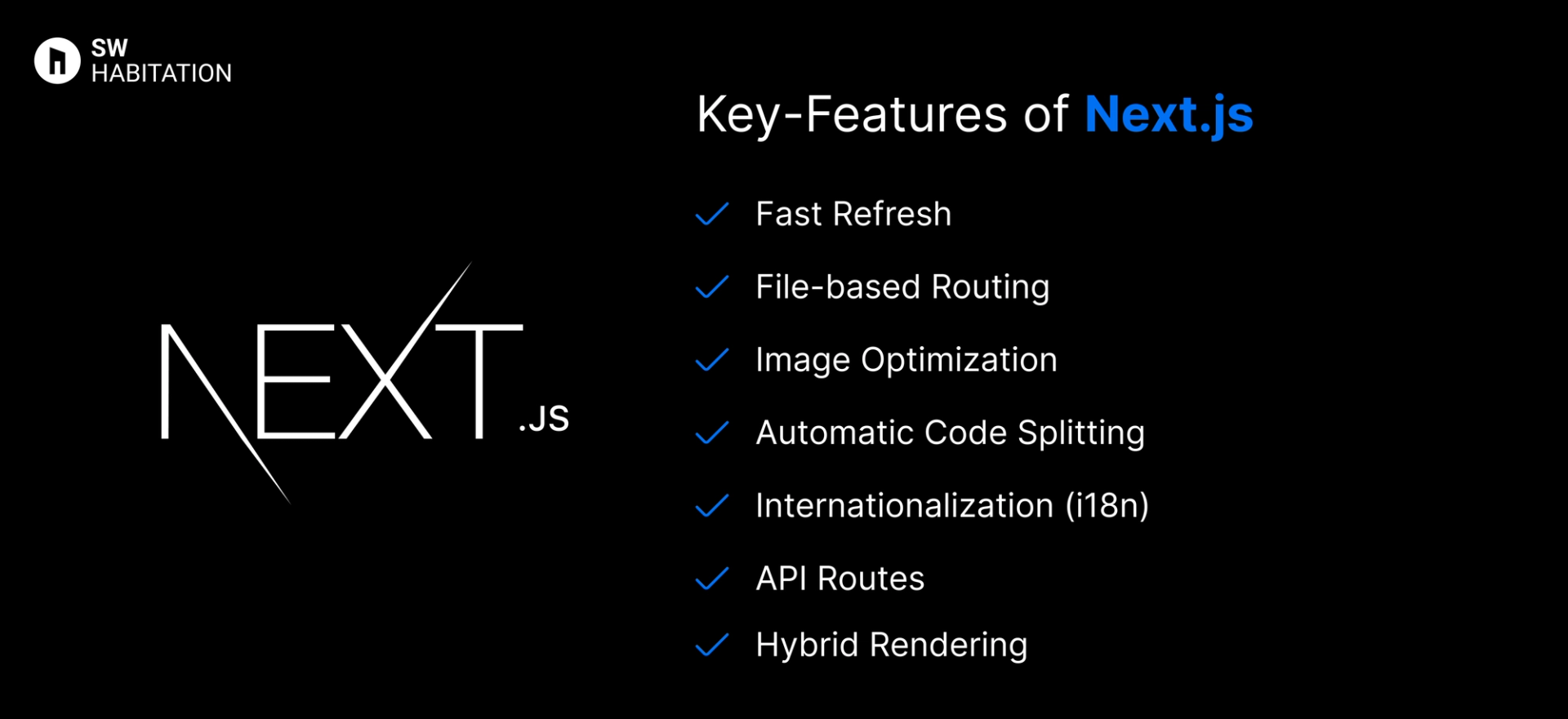
- Fast Refresh: Instant feedback while developing, with live reload.
- File-based Routing: Create pages by simply adding files in the pages directory.
- Image Optimization: Built-in image optimization with the next/image component.
- Automatic Code Splitting: Load only the JavaScript needed for each page.
- Internationalization (i18n): Built-in support for multilingual websites.
- API Routes: Easily create serverless functions without needing a separate backend.
- Hybrid Rendering: Combine SSG and SSR in the same project.
Advantages of Next.js
- Flexibility: Mix and match SSG, SSR, and CSR as needed.
- Performance: Fast out of the box, thanks to automatic code splitting and static generation.
- Easy Deployment: Vercel, the creators of Next.js, offer seamless deployment.
- Active Community: Huge community support with tons of plugins and examples.
- SEO-Friendly: Server-side rendering means better SEO, as search engines can easily crawl the content.
Disadvantages of Next.js
- Learning Curve: It is built on React, concepts like SSR, ISR, and routing may confuse beginners.
- Build Times Can Be Long: Incremental Static Regeneration helps, but large sites may still face slow builds or re-builds.
- Limited Flexibility for Routing: File-based routing is simple but can feel restrictive for complex dynamic routes.
- Server Costs: Server-side rendering and API routes may require backend infrastructure, increasing hosting costs.
- Heavy JavaScript by Default: Without optimization, Next.js apps can ship more JS than needed, affecting performance.
What is Alpine.js?
Alpine.js is a lightweight JavaScript framework that gives you the power of modern reactive frameworks like Vue or React, but with a syntax and feel closer to HTML attributes. Often called the Tailwind for JavaScript, Alpine is designed for adding interactivity to static HTML without a heavy build process or complex tooling.
It’s perfect for developers who want to sprinkle dynamic behavior on otherwise static websites without pulling in a big framework.
Key Features of Alpine.js
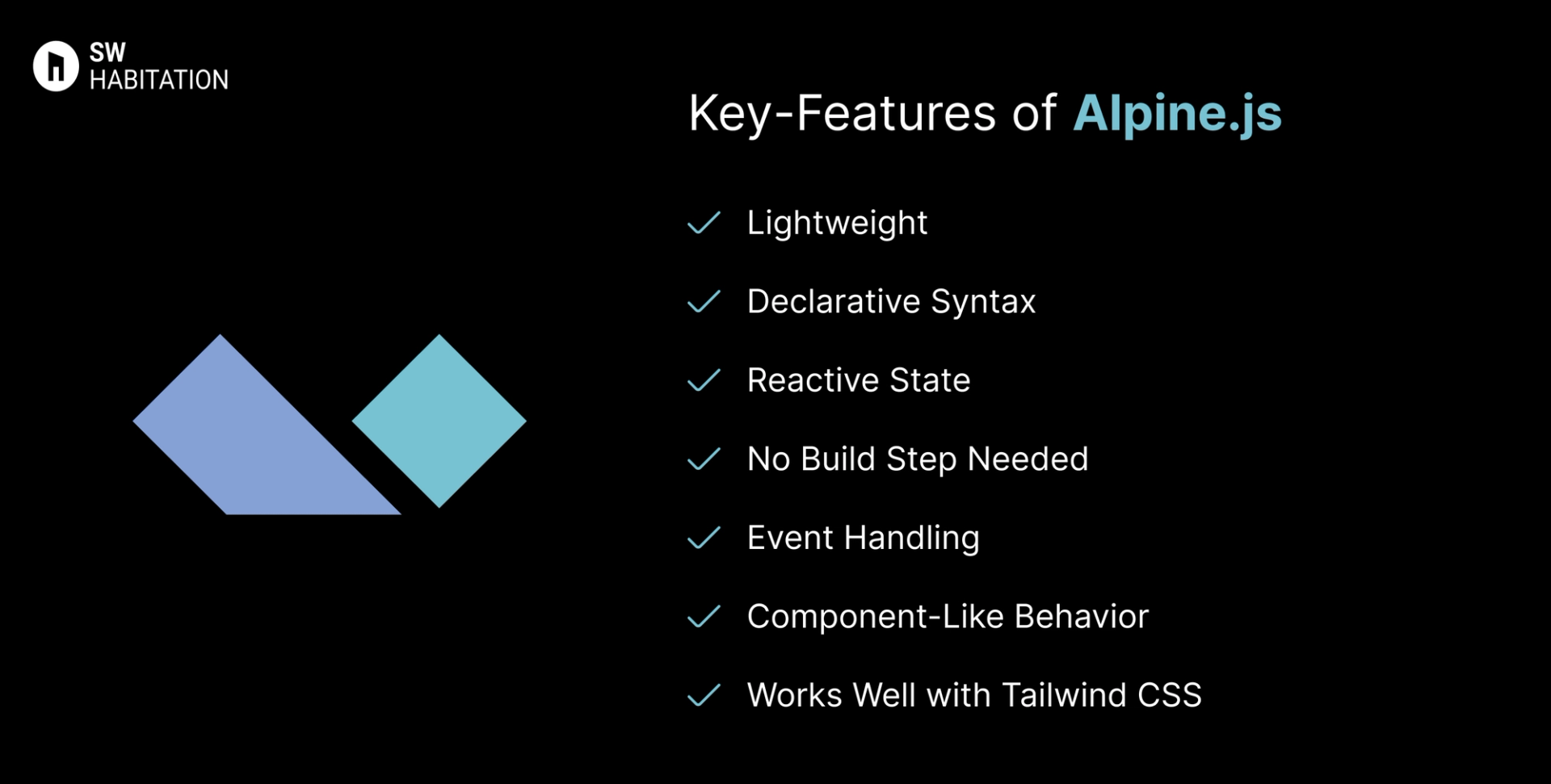
- Lightweight: Just ~10kb gzipped, super small and fast.
- Declarative Syntax: Works directly in HTML with x-data, x-show, x-bind, etc.
- Reactive State: Reactive data binding without a Virtual DOM.
- No Build Step Needed: Can be dropped into any project via a <script> tag.
- Event Handling: Easy event listeners with @click, @input, etc.
- Component-Like Behavior: Encapsulate logic inside HTML attributes.
- Works Well with Tailwind CSS: Often paired together for modern UI.
Advantages of Alpine.js
- Super Lightweight: No bundling needed, just drop a script.
- Easy to Learn: Simple, HTML-first syntax.
- Great for Sprinkles of Interactivity: Ideal for forms, dropdowns, modals.
- No Build Tools Required: Runs directly in the browser.
- Works with Any Backend: Add to Laravel, Rails, Django, or plain HTML.
Disadvantages of Alpine.js
- Not for Large Apps: Best for smaller interactive features, not full SPAs.
- Smaller Ecosystem: Limited compared to React/Vue.
- Less Advanced Tooling: No built-in SSR or complex routing.
- Smaller Community: Growing, but not as large as big frameworks.
Comparison Between Next.js vs Alpine JS
Use Cases of Next.js
- eCommerce Storefronts like Shopify : Combines fast performance with API-based product data for rich shopping UIs.
- SaaS Dashboards and Apps: It is perfect for interactive UIs, auth, and real-time features using API routes.
- Hybrid Rendering Blog Platforms: It supports static + dynamic content for blogs with SEO and personalization needs.
- Modern Marketing Websites: Fast, SEO-friendly pages with dynamic content and smooth navigation.
Use Cases of Alpine JS
- UI Components: Modals, dropdowns, accordions, tooltips.
- Forms: Validations, dynamic fields, toggles.
- Blogs/Portfolios: Adding interactive behavior to static content.
- E-commerce: Lightweight cart toggles, filters, and menus.
- Legacy Projects: Add reactivity without rewriting the whole app.
Other Resources
Conclusion
Web frameworks make building websites and apps a whole lot easier. Whether you’re working on a personal project or something big for work, they help with the heavy lifting—like routing, design structure, and how everything connects.
With support for things like server-side rendering, optimized performance, and developer-friendly features, these tools let you create faster, smarter, and cleaner websites. Just pick the one that fits your style, and start building something awesome 🚀
Frequently asked questions
Is Next.js good for large websites?
Yes, it's fast, scalable, and production-ready.
Does Next.js support API routes?
Yes, you can build serverless functions in the pages/api/ folder.
Is Next.js frontend-only or fullstack?
It's fullstack, It includes frontend UI and backend API routes.
Is Alpine.js like React or Vue?
Yes, but much lighter and HTML-first.
How big is Alpine.js?
~10kb gzipped.
Do I need a build step?
No, just add via <script> tag.
Can Alpine.js build full apps?
Not ideal — best for small interactions.
When should I use Alpine.js?
When you need lightweight interactivity on static or server-rendered sites.
Next blog that you can read...
By SW Habitation