
Strapi vs. Cosmic
 By SW Habitation
Strapi

Cosmic
You know, when you wanna make a website or a blog but don’t wanna mess with too much code? That’s where a CMS (Content Management System) comes in. It’s like a super easy tool that helps you add text, pictures, and videos to your site without needing to be a tech genius. You just log in, click a few buttons, and your content is live. It's quite simple, right?
What is Strapi?
Strapi is an open-source headless CMS built on Node.js that helps teams create, manage, and deliver content through APIs.
Unlike traditional CMS platforms, Strapi doesn’t lock you into a specific frontend. Instead, it lets you deliver content to websites, mobile apps, or even IoT devices, giving developers complete flexibility while allowing editors to manage content easily.
Its focus is on customizability, developer freedom, and community-driven growth, making it a great choice for startups, agencies, and enterprises that want control over their content stack.
Key Features of Strapi
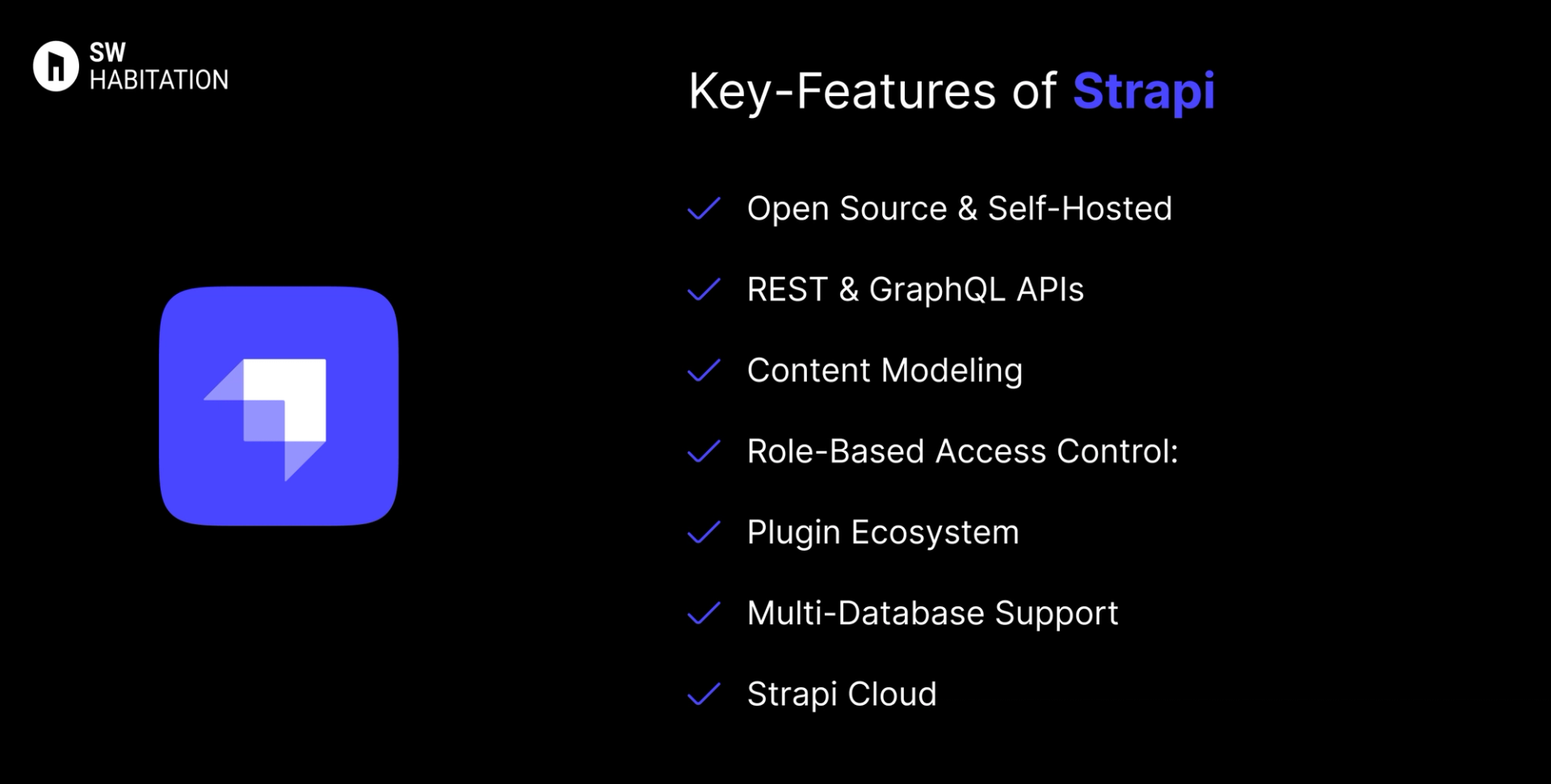
- Open Source & Self-Hosted: Total control over data and infrastructure.
- REST & GraphQL APIs: Ready-to-use APIs for any frontend.
- Content Modeling: Define content structures visually or via code.
- Role-Based Access Control: Manage permissions across teams.
- Plugin Ecosystem: Extend functionality with community or custom plugins.
- Multi-Database Support: Works with PostgreSQL, MySQL, MariaDB, SQLite.
- Strapi Cloud: Managed hosting option for easier setup and scaling.
Advantages of Strapi
- Highly Flexible: Easily customize models, APIs, and workflows.
- Full Control: You own your code, data, and infrastructure.
- Developer-Friendly: Built with modern JavaScript (Node.js, GraphQL, REST).
- Multi-Platform Ready: Works with websites, mobile apps, and more.
- Strong Community: Large open-source ecosystem and plugin marketplace.
Disadvantages of Strapi
- Performance Tuning: Large-scale apps may require optimization.
- Enterprise Features Locked: SSO, audit logs, and advanced roles are paid.
- Hosting Needed: You must manage your own deployment unless using Strapi Cloud.
- Learning Curve: Beginners may need time to configure models and APIs.
What is Cosmic?
Cosmic is a headless CMS that allows you to manage content in the cloud and deliver it anywhere using APIs.
Just think of it as a content hub that lets you focus on creating and organising your content while it handles the heavy lifting of content delivery.
It’s popular among developers for its simplicity and flexibility. Whether you’re building a website, mobile app, or even a voice assistant, Cosmic makes it easy to pull content into any project.
Key Features of Cosmic
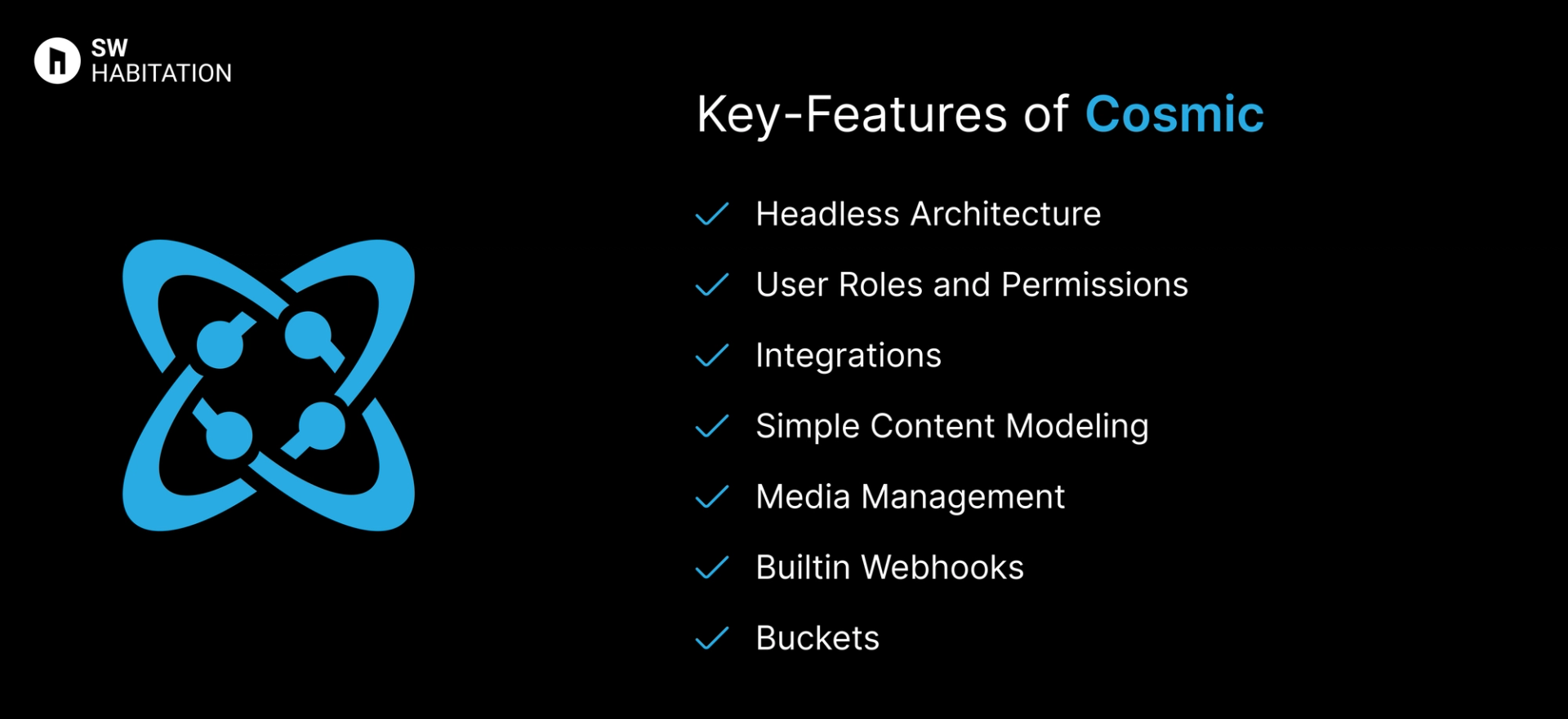
- Headless Architecture: It deliver content anywhere with its API-first approach.
- User Roles and Permissions: Manage access control for different team members.
- Integrations: Works well with frameworks like Next.js, React, and Vue.
- Simple Content Modeling: Create custom content structures without hassle.
- Media Management: Upload and manage media files effortlessly.
- Builtin Webhooks: Automate workflows by triggering events when content changes.
- Buckets: Organize content into “buckets” to keep everything neat and tidy.
Advantages of Cosmic
- Flexible: It works with any tech stack.
- Easy Setup: Get up and running in minutes with minimal configuration.
- Great for Small Projects: It's perfect for blogs, portfolios, and marketing sites.
- Content Buckets: It organize content smartly for easier management.
- API-First Approach: Ideal if you love working with APIs.
Disadvantages of Cosmic
- Pricing Can Add Up: Costs increase as content needs grow.
- Limited Free Plan: The free tier has some restrictions.
- Not Ideal for Large Projects: Lacks the complexity needed for enterprise-level projects.
Comparison Between Strapi vs Cosmic
Use Cases of Strapi
- Startups & Agencies: Build custom digital products with full control.
- Self-Hosted Enterprises: Companies that want data ownership.
- Omni-Channel Content: Deliver content to apps, sites, and IoT devices.
- Open-Source Projects: Community-driven projects needing transparency.
- Custom Workflows: Tailor content models and permissions for teams.
Use Cases of Cosmic
- Small Projects: Portfolios, blogs, and marketing sites.
- Projects with Simple Content Structures: No need for overly complex setups.
- Developers Who Love APIs: Pull content into any front-end framework easily.
- Startups: Quick setup with minimal infrastructure.
Other Resources
Conclusion
Headless CMS platforms make managing your website very simple and easy. Whether you’re running a blog, online store, or business, they handle the tough stuff so you can focus on your content.
With a user-friendly interface and the ability to work with any technology, you can create a site that really fits your needs.
These platforms are flexible, secure, and can grow with you. They offer features like custom content, easy editing, and integrations with other tools. Choose the one that fits your requirements and start building your dream website today 🚀
Frequently asked questions
Is Strapi completely free?
Yes, the self-hosted version is free and open-source. Paid plans exist for Strapi Cloud and enterprise features.
Does Strapi support GraphQL?
Yes, Strapi provides both REST and GraphQL APIs out of the box.
Can Strapi handle multi-language websites?
Yes, via community plugins or manual setups.
Do I need to know coding to use Strapi?
Editors can manage content without coding, but developers are needed for setup/customization.
Is Strapi good for enterprise projects?
Yes, with Strapi Cloud and enterprise features, it scales well for large teams and projects.
What is Cosmic?
Cosmic is a headless CMS that helps you manage content through an easy-to-use dashboard while serving it via APIs.
Do I need to know coding to use cosmic?
Nup Not really. You can manage content without coding, but developers can use its APIs for custom setups.
Can I use Cosmic with React or Next.js?
Yup, Cosmic is super friendly with React, Next.js, and other frameworks.
Is Cosmic free?
There’s a free plan for small projects, but you’ll need a paid plan for bigger sites or more features.
Does cosmic support media files like images and videos?
Yes, You can upload and manage media files directly in the dashboard.