
Render vs. Vercel
 By SW Habitation
Render

Vercel
You know when you’ve finished building your website and just want to get it online without dealing with all the techy stuff? That’s where deployment platforms help. They make it super easy to put your site live, just connect your code, click a button, and it’s up and running. No need to worry about servers or complicated setups.
They also take care of the important things like speed, security, and updates in the background. So while they handle the heavy stuff, you can focus on making your website look good and work great. It's simple, right?
What is Render?
Render is a modern cloud platform that helps developers deploy web apps, APIs, databases, static sites, background workers, and cron jobs — without worrying about infrastructure. It combines the simplicity of platforms like Heroku with the scalability of modern cloud providers.
Render provides automatic scaling, global CDN, free SSL certificates, and managed databases, making it a powerful yet developer-friendly solution. It is often called the "Heroku alternative" because of its ease of use, flexible pricing, and feature-rich free tier.
Key Features of Render
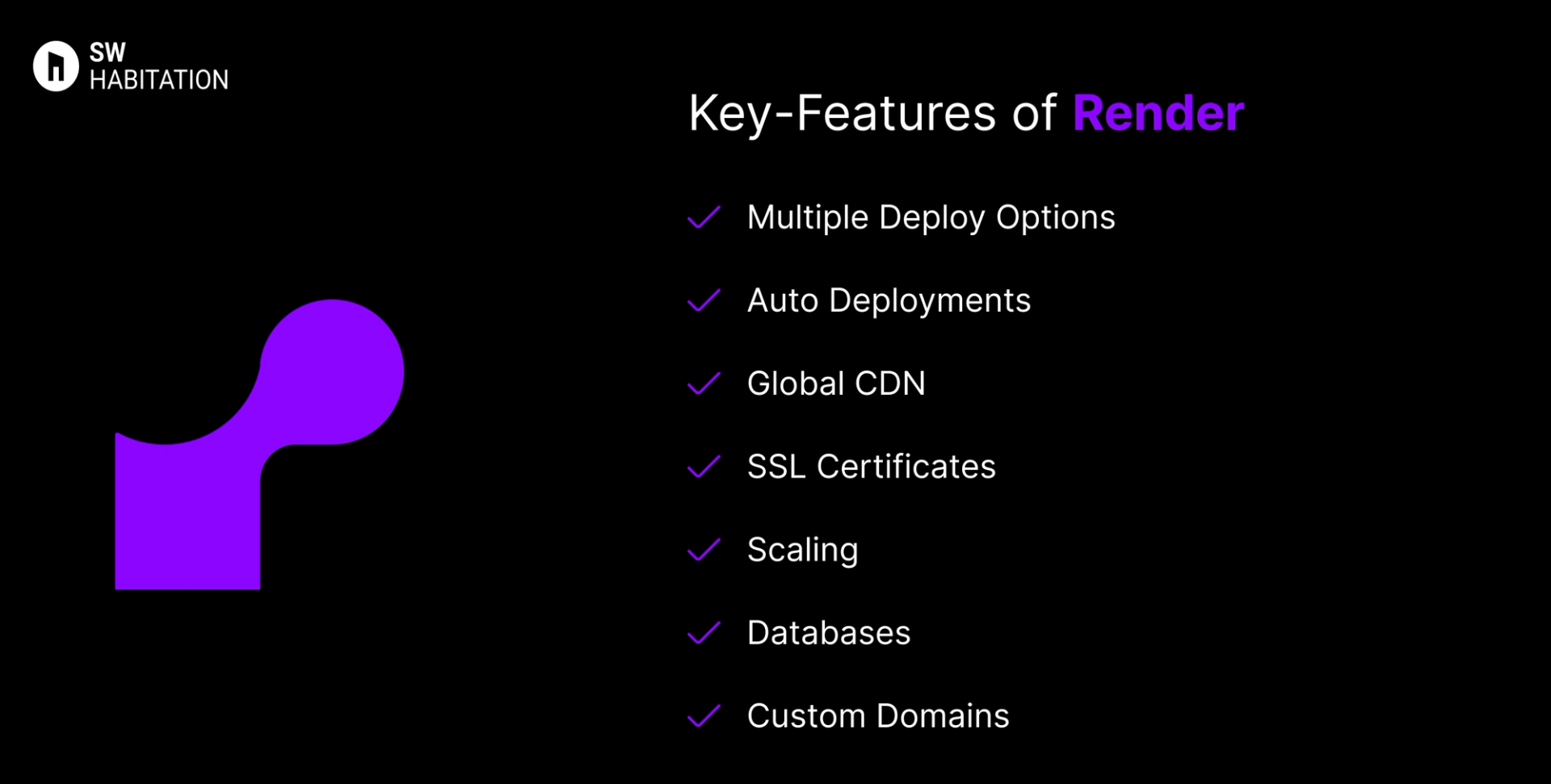
- Multiple Deploy Options: Static sites, web services, background workers, cron jobs, and databases.
- Auto Deployments: GitHub/GitLab integration with automatic deploys on new commits.
- Global CDN: Built-in caching with worldwide delivery.
- SSL Certificates: Free automatic HTTPS via Let’s Encrypt.
- Scaling: Auto-scaling with zero-downtime deployments.
- Databases: Managed PostgreSQL and Redis hosting.
- Custom Domains: Easy setup with DNS management included.
Advantages of Render
- Very simple and intuitive for developers.
- Free plan includes custom domains + SSL.
- A strong alternative to Heroku (especially after Heroku pricing changes).
- Great scalability, suitable for small apps → production apps.
- Built-in support for background jobs and cron tasks.
Disadvantages of Render
- Free tier has limited resources, not ideal for heavy workloads.
- Fewer third-party integrations compared to Vercel/Netlify.
- Database hosting is costlier compared to cloud-native providers.
- Smaller ecosystem vs AWS, Azure, or GCP.
What is Vercel?
Vercel is a cloud platform for deploying and hosting frontend applications. It excels at making continuous deployment and global delivery feel seamless. Vercel is the company behind Next.js, so if you’re building a Next.js app, this platform is pretty much a match made in heaven. But don’t worry it also supports other frameworks like React, Vue, and Svelte.
Key Features of Vercel
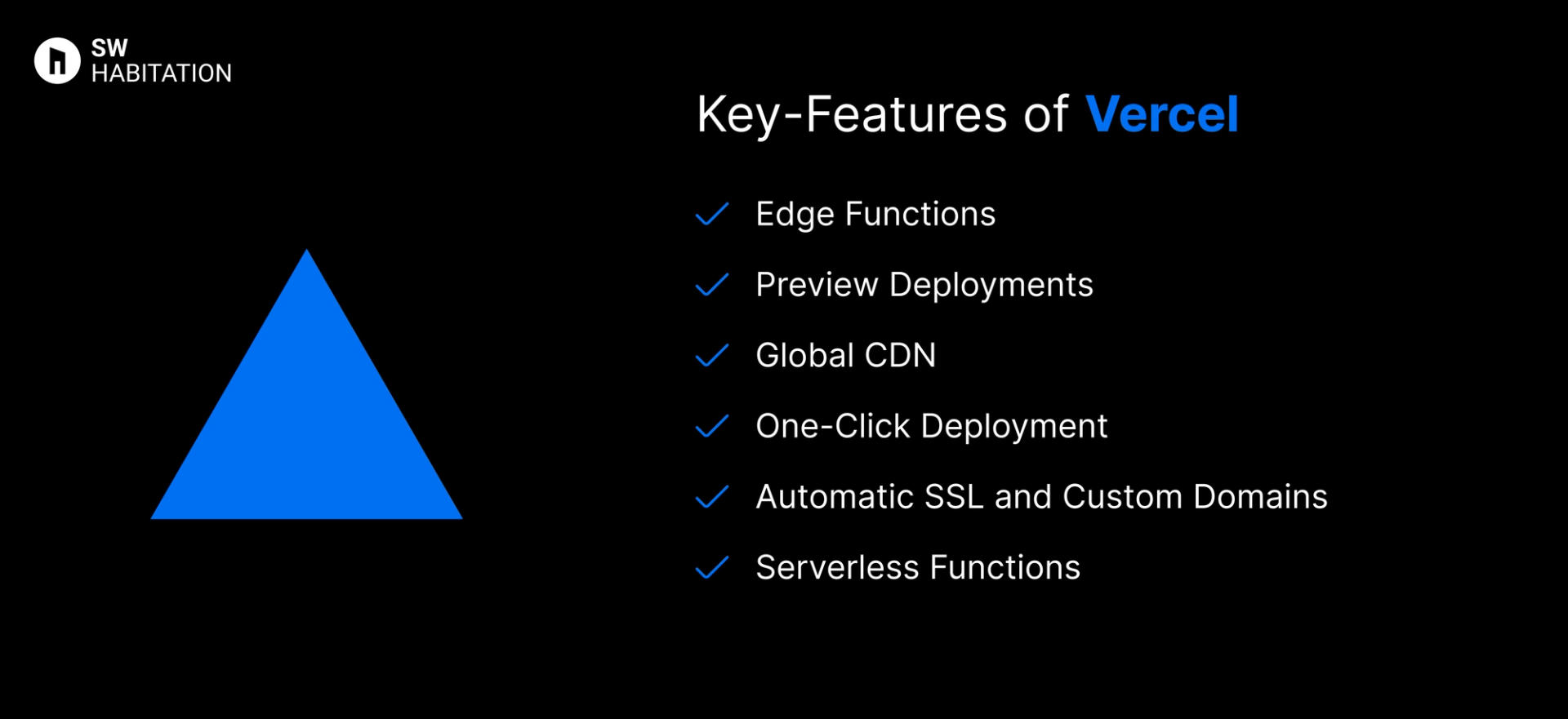
- Edge Functions: Run code at the edge for lightning-fast responses.
- Preview Deployments: Get a unique preview URL for every pull request, making collaboration a breeze.
- Global CDN: Automatically deploys content across a global content delivery network for fast performance.
- One-Click Deployment: Push to GitHub, GitLab, or Bitbucket and deploy instantly.
- Automatic SSL and Custom Domains: Set up your custom domain with HTTPS in seconds.
- Serverless Functions: Add backend logic without managing infrastructure.
Advantages of Vercel
- Great for Collaboration: Preview links for every branch or pull request.
- Effortless Deployment: Connect your repo, and Vercel takes care of the rest.
- Serverless Functions: Easily add backend functionality with zero infrastructure headaches.
- Free Tier: Generous free plan for personal projects.
- Next.js Native: Built by the same team behind Next.js, ensuring top-notch support.
- Blazing Fast: Deploys across a global CDN automatically.
Disadvantages of Vercel
- Learning Curve for Advanced Features: Basic deployment is simple, but advanced features like edge functions require deeper knowledge.
- Vendor Lock-in: Tightly integrated with Next.js, making migration trickier if you switch stacks.
- Limited Backend Support: Focuses on frontend — complex backends need other services.
- Pricing Can Add Up: The free plan is great, but costs can grow quickly with more traffic and features.
Comparison Between Render vs Vercel
Use Cases of Render
- Full-Stack Applications: Deploy frontend + backend + databases seamlessly.
- APIs & Microservices: Easily host Node.js, Python, or Go APIs.
- Static Sites: Host JAMstack sites with free CDN and SSL.
- Background Jobs: Run scheduled workers and cron jobs natively.
- Startups & Prototyping: Quick to set up and scale without heavy DevOps.
Use Cases of Vercel
- Enterprise-Scale Projects: Handles high-traffic apps without breaking a sweat.
- Prototyping and Demos: Instant preview URLs make collaboration smooth.
- Jamstack Sites: Ideal for static sites and serverless functions.
- Next.js Applications: Native support makes deploying Next.js apps a dream.
Other Resources
Conclusion
Deployment platforms are a total game changer if you’re looking to launch your website quickly, reliably, and without any trouble. Whether it’s a personal portfolio, a startup site, or a growing business platform, they handle the technical heavy lifting like hosting, security, and scalability so you can stay focused on building great experiences for your users.
You’re not boxed into a single approach. Most platforms integrate smoothly with the tools and frameworks you already love, letting you deploy directly from your Git repository, preview updates, and roll back with ease. With lightning-fast performance and dependable uptime, deployment platforms simplify the path from code to production. Pick the one that aligns with your workflow, and you’re all set to launch with confidence 🚀
Frequently asked questions
Is Render free to use?
Yes, Render offers a free tier for static sites, PostgreSQL starter database, and limited web services.
Can I deploy a full-stack app on Render?
Yes! Render supports frontend hosting, APIs, workers, and managed databases.
How does Render compare to Heroku?
Render is seen as a modern, cheaper, and faster alternative to Heroku, with free SSL and CDN included.
Does Render provide a CDN?
Yes, all static content is served via a global CDN with caching.
Which databases are supported?
Currently, Render supports PostgreSQL and Redis with managed hosting.
Is Vercel free to use?
Yes, there’s a free tier with generous limits, perfect for hobby projects, portfolios, and early-stage startups.
How easy is deployment with Vercel?
So easy connect your GitHub/GitLab/Bitbucket repo, and Vercel handles builds, previews, rollbacks, and deployments instantly.
Does Vercel include serverless functions?
Yes, You can run API routes/serverless functions as part of your deployment no need to manage a separate backend.
What frameworks does Vercel support?
Vercel is optimized for Next.js, but it also supports React, Vue, SvelteKit, Nuxt, Astro, and static site generators like Hugo and Eleventy.