
Nuxt js vs. Blitz.js
 By SW Habitation
Nuxt js

Blitz.js
So, you know when you want to build a website or app, but doing everything from scratch feels kinda overwhelming? That’s where web frameworks come in. They’re like a ready-made set of tools and building blocks that help you get things up and running way faster. Instead of figuring out every little piece yourself, a framework gives you a solid base to build on, and lets you focus on making something cool.
What is Nuxt.js?
Nuxt.js is a framework built on top of Vue.js that helps you create modern web applications with ease. It supports Static Site Generation (SSG), Server-Side Rendering (SSR), and Single Page Applications (SPA) which is giving you the flexibility to pick the right rendering mode for each page. Whether you’re crafting a personal blog or a high-traffic e-commerce site, Nuxt.js provides a clean structure and optimizations right out of the box.
Key Features of Nuxt.js
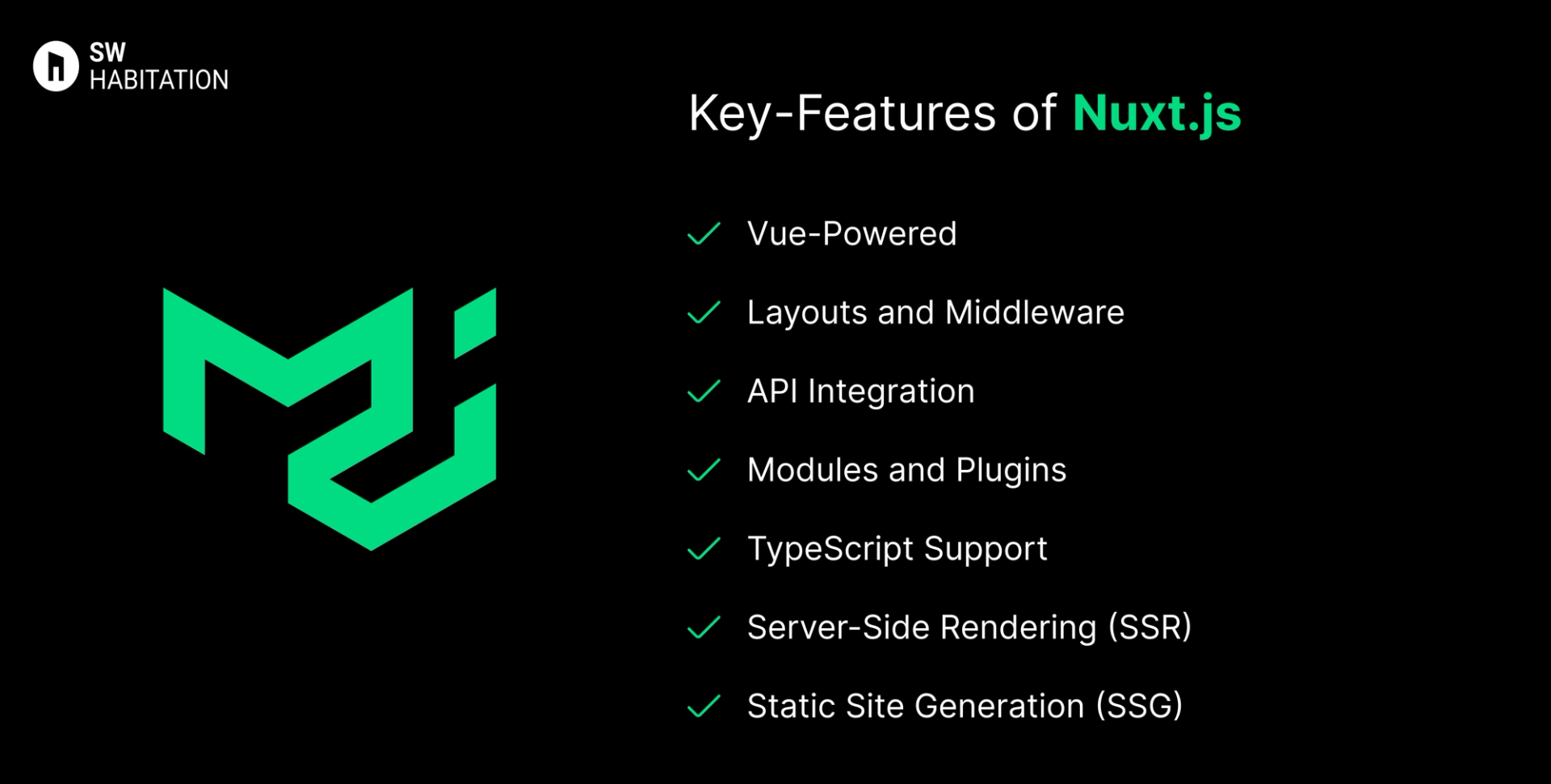
- Vue-Powered: Leverages Vue.js, making it super intuitive for Vue developers.
- Layouts and Middleware: Structure your app with reusable layouts and protect routes with middleware.
- API Integration: Easily fetch data at build time or runtime using asyncData or fetch.
- Modules and Plugins: Extend functionality with Nuxt’s huge ecosystem of modules.
- TypeScript Support: Offers built-in support for TypeScript if you prefer type safety.
- Server-Side Rendering (SSR): Boosts performance and SEO by rendering pages on the server.
- Static Site Generation (SSG): Generate static HTML pages for even faster performance.
Advantages of Nuxt.js
- Modular Architecture: Customize your app by adding only the modules you need.
- Simplified Project Structure: Organizes your app into logical folders, reducing boilerplate.
- Great Developer Experience: Hot Module Replacement (HMR) and fast build times keep development smooth.
- Versatile Rendering Modes: Choose SSG, SSR, or SPA per page to suit your needs.
- SEO-Friendly: SSR and SSG ensure search engines can easily crawl your content.
Disadvantages of Nuxt.js
- SSR Complexity: Debugging SSR issues can sometimes be tricky, especially when dealing with external APIs.
- Learning Curve: If you’re new to Vue, adding Nuxt on top can feel like a lot at first.
- Build Complexity: Projects with tons of pages may experience slower build times during static generation.
What is Blitz.js ?
Imagine you wanto to build an app but setting up frontend, backend, APIs, database and it feels like overextended right ? That’s where Blitz.js comes in.
Blitz is like this super handy fullstack framework that sits on top of Next.js yup, the one you probably already know. Think of it like Rails but for React. You get Next.js goodies like (SSR, file-based routing, etc.), but Blitz throws in extra magic — like a zero-API data layer, built-in auth system, and easy database integration with Prisma.
Basically it is less boilerplate, more actual building.
Key Features of Blitz.js
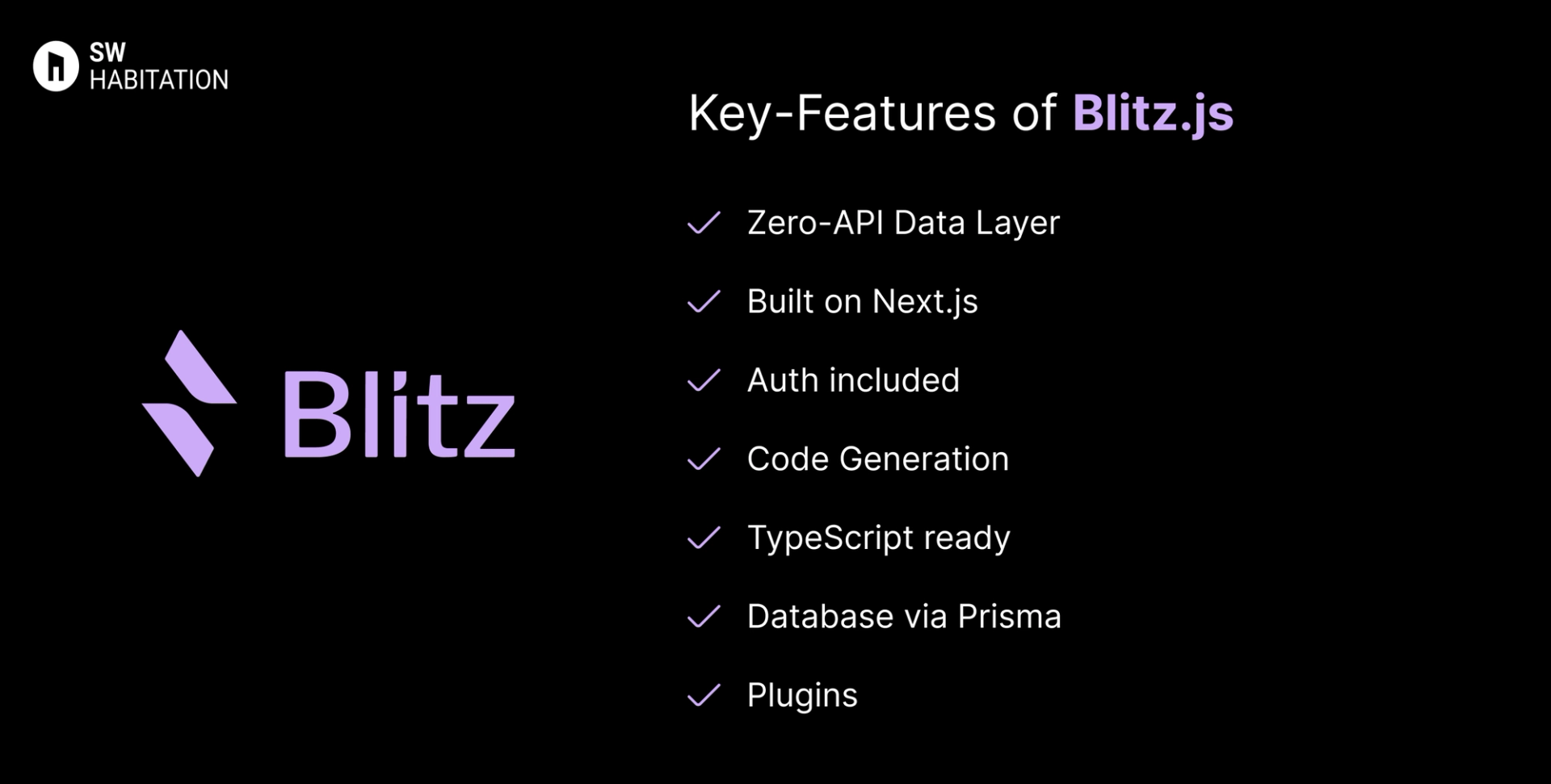
- Zero-API Data Layer – call server functions straight from the client, no need to write API endpoints manually.
- Built on Next.js – so you don’t lose all the SSR/SSG goodness.
- Auth included – login/logout stuff already sorted.
- Code Generation – scaffolding to spin up queries, pages, mutations super fast.
- TypeScript ready – works smooth with TS.
- Database via Prisma – easy database access, feels natural.
- Plugins – add common stuff like Tailwind, auth, etc. with one command.
Advantages of Blitz.js
- All-in-one: You don’t need to glue 10 tools together.
- Boosts productivity: Code scaffolding saves so much time.
- Zero-API layer: Less boilerplate, no boring API wiring.
- Still Next.js inside: You can keep SSR, static exports, etc.
- Databases: Works great with Prisma and SQL databases.
- Community is small but passionate: New recipes, ideas keep coming.
Disadvantages of Blitz.js
- Might be overkill: If all you need is a tiny static site, Blitz is too heavy.
- New learning curve: You need to understand queries/mutations instead of normal APIs.
- Smaller community: Not as huge as Next.js, so fewer tutorials and resources.
- Dependent on Next.js: Since it’s built on Next, any big shift in Next.js affects Blitz.
- Still maturing: Some features and ecosystem tools are not as polished as older frameworks.
Comparison Between Nuxt js vs Blitz.js
Use Cases of Nuxt js
- Corporate Websites: Build fast, SEO-optimized websites with reusable components.
- Dashboards: Leverage Vue’s component system to create complex dashboards with ease.
- Blogs and Portfolios: Optimize for performance and SEO effortlessly.
- E-commerce: Use SSR to handle dynamic product pages and SSG for category pages.
Use Cases of Blitz.js
- SaaS apps → logins, dashboards, subscriptions, etc.
- Startups → ship MVPs super quick without boilerplate APIs.
- E-commerce → product pages, cart, checkout flows.
- Internal tools → admin dashboards, CRMs, reporting tools.
- Fullstack React apps → whenever you want frontend + backend + DB together.
Other Resources
Conclusion
Web frameworks make building websites and apps a whole lot easier. Whether you’re working on a personal project or something big for work, they help with the heavy lifting—like routing, design structure, and how everything connects.
With support for things like server-side rendering, optimized performance, and developer-friendly features, these tools let you create faster, smarter, and cleaner websites. Just pick the one that fits your style, and start building something awesome 🚀
Frequently asked questions
Is Nuxt.js free to use?
Yup, it’s completely free and open-source.
Do I need to know Vue to use Nuxt.js?
Yup, Nuxt.js is built on Vue, so understanding Vue is necessary.
Can Nuxt.js handle large applications?
Absolutely, Nuxt scales well for both small projects and enterprise-level applications.
Is Nuxt.js good for SEO?
Yup, Thanks to SSR and SSG, Nuxt ensures search engines can properly index your content.
Is Blitz.js just Next.js with extra stuff?
Pretty much, yeah. It’s Next.js at the core but with fullstack tools (auth, DB, scaffolding, etc.) added on top.
Do I have to use Prisma with Blitz?
Nope. Prisma is the default, but you can hook up whatever database you like.
Can I still use REST or GraphQL?
Yup, you can, but Blitz’s “zero-API data layer” usually makes it unnecessary.
Is Blitz production-ready?
Totally. People already use it in production, but yeah, smaller ecosystem than React/Next.
Who should avoid Blitz?
If you’re just making a small static blog or portfolio → probably overkill. Blitz shines for bigger apps.
Next blog that you can read...
By SW Habitation