
GitHub Pages vs. Glitch
 By SW Habitation
GitHub Pages

Glitch
You know when you’ve finished building your website and just want to get it online without dealing with all the techy stuff? That’s where deployment platforms help. They make it super easy to put your site live, just connect your code, click a button, and it’s up and running. No need to worry about servers or complicated setups.
They also take care of the important things like speed, security, and updates in the background. So while they handle the heavy stuff, you can focus on making your website look good and work great. It's simple, right?
What is GitHub Pages ?
GitHub Pages is a static site hosting service directly integrated with GitHub. It allows you to serve static content like HTML, CSS, and JavaScript straight from your GitHub repository. You can automatically deploy sites by pushing code to specific branches, making it a hassle-free option for developers of all levels.
Key Features of GitHub Pages
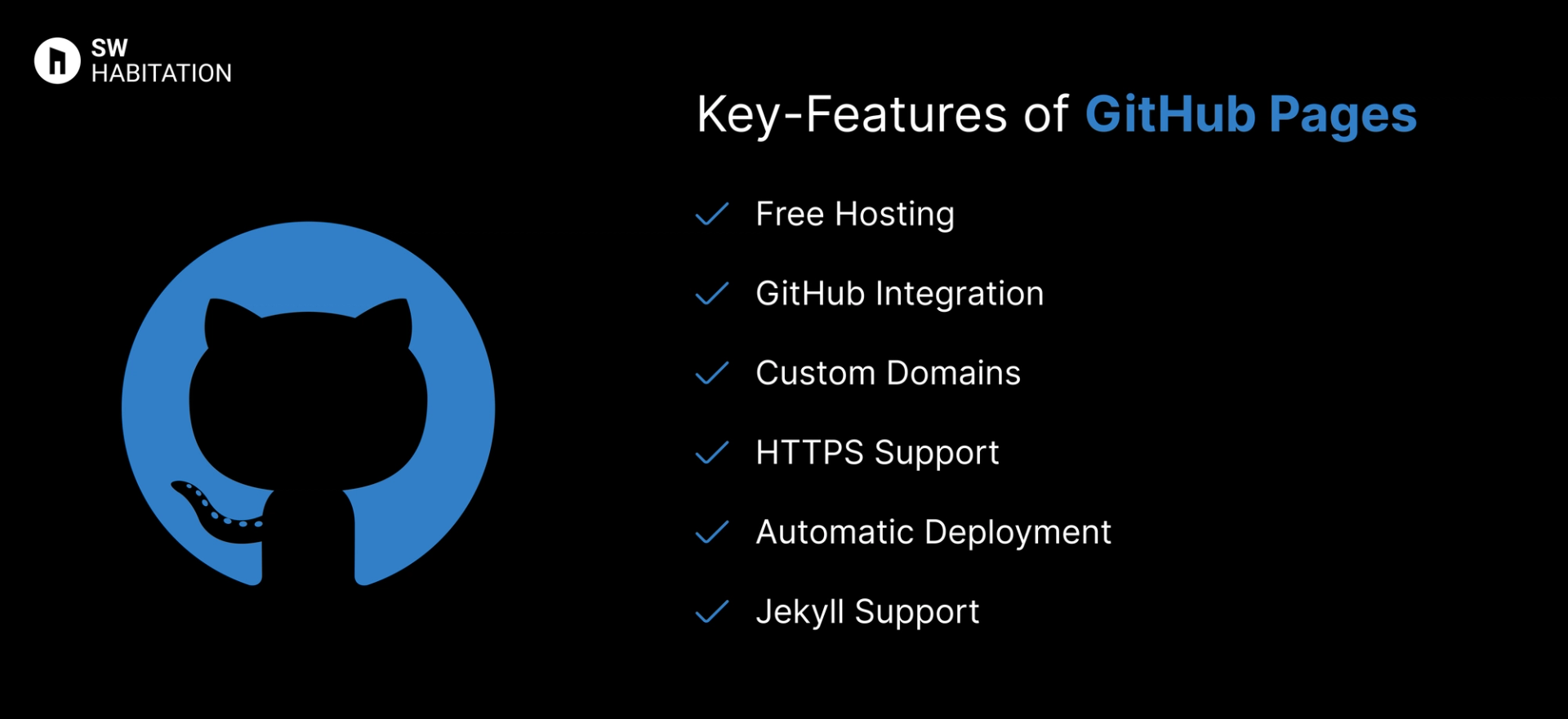
- Jekyll Support: Built-in support for Jekyll static site generator.
- Automatic Deployment: Push to the main branch, and your site is live.
- Free Hosting: No cost, no catch.
- Custom Domains: Use your own domain name.
- HTTPS Support: Free SSL certificates for secure browsing.
- GitHub Integration: Deploy directly from your repository.
Advantages of GitHub Pages
- Great for Open Source: Ideal for documentation and project showcases.
- Custom Domains: Easily configure your own domain.
- Easy Setup: Simple integration with GitHub repositories.
- Automatic Deployment: Deploy directly by pushing changes.
- Free of Charge: No hosting fees, ever.
Disadvantages of GitHub Pages
- No Built-in CI/CD: Limited automation compared to other platforms.
- Static Content Only: No server-side logic or databases.
- Repo Visibility: Free plans require public repositories.
- Limited Customization: Not as feature-rich as other platforms.
What is Glitch?
Glitch is a cloud-based platform that allows developers, designers, and creators to build, share, and remix web applications instantly. It focuses on simplicity and collaboration — making it possible to prototype or deploy full-stack apps right from the browser, without complex setups. Think of it as a mix of a code editor, hosting service, and community all in one.
Key Features of Glitch
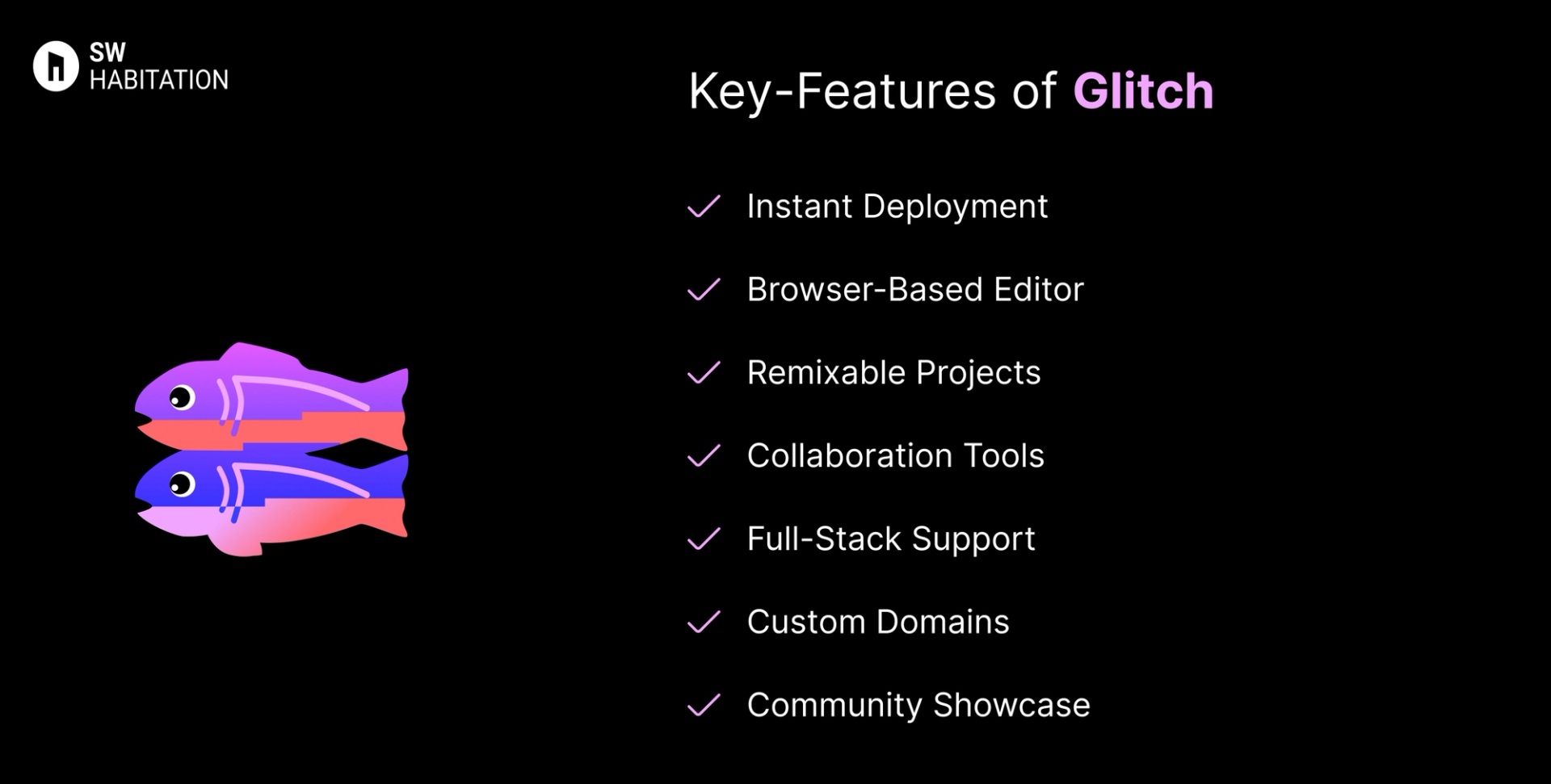
- Instant Deployment: Apps go live as soon as you start coding — no build steps needed.
- Browser-Based Editor: Code, preview, and debug directly in your browser.
- Remixable Projects: Copy and modify existing apps with one click.
- Collaboration Tools: Real-time collaboration, like Google Docs for coding.
- Full-Stack Support: Node.js-based backend and static frontend hosting.
- Custom Domains: Connect your own domain with free HTTPS.
- Community Showcase: Explore, share, and remix projects from other creators.
Advantages of Glitch
- Free to Start: Generous free tier for small apps and prototypes.
- Collaborative: Real-time pair programming and sharing features.
- Beginner-Friendly: Perfect for people learning web development.
- Instant Hosting: No deployment process — your app is live immediately.
- Creative Community: Large library of remixable apps and templates.
Disadvantages of Glitch
- Less Control: Infrastructure and environment are abstracted away.
- Not Enterprise-Ready: Best suited for learning, prototypes, and small projects.
- Scaling Limitations: Cannot handle very high traffic like AWS or DigitalOcean.
- Limited Language Support: Primarily focused on JavaScript/Node.js.
- Performance Limits: Free apps sleep after inactivity; limited resources.
Comparison Between GitHub Pages vs Glitch
Use Cases of GitHub Pages
- Project Documentation: Ideal for open-source project documentation.
- Learning Projects: Great for practicing web development and deployment.
- Blogs and Static Sites: Pair with static site generators like Jekyll or Hugo.
- Personal Projects and Portfolios: Quick, free hosting for personal websites.
Use Cases of Glitch
- Hackathons & Demos: Fast way to share live projects.
- Creative Apps: Perfect for fun experiments and community-driven projects.
- Prototyping: Quickly test app ideas without setup.
- Collaborative Coding: Real-time coding with teammates.
- Learning Web Development: Great for beginners practicing JavaScript and Node.js.
Other Resources
Conclusion
Deployment platforms are a total game changer if you’re looking to launch your website quickly, reliably, and without any trouble. Whether it’s a personal portfolio, a startup site, or a growing business platform, they handle the technical heavy lifting like hosting, security, and scalability so you can stay focused on building great experiences for your users.
You’re not boxed into a single approach. Most platforms integrate smoothly with the tools and frameworks you already love, letting you deploy directly from your Git repository, preview updates, and roll back with ease. With lightning-fast performance and dependable uptime, deployment platforms simplify the path from code to production. Pick the one that aligns with your workflow, and you’re all set to launch with confidence 🚀
Frequently asked questions
Is GitHub Pages free to use?
Yes, It’s completely free for public repositories, with no hosting fees. You can also host private repositories with GitHub Pro or a paid plan.
What kind of sites can I host on GitHub Pages?
Only static sites like portfolios, blogs, documentation, or landing pages. It doesn’t support server-side code like PHP or Node.js.
Does GitHub Pages support HTTPS?
Yes, It automatically provides HTTPS support, even for custom domains via Let’s Encrypt.
What is Glitch?
Glitch is a cloud-based platform where you can build, host, and share web applications easily without needing complex setup.
Is Glitch free to use?
Yes, Glitch offers a free plan with basic features. They also have paid plans for more storage, private projects, and advanced usage.
Do I need to install anything to use Glitch?
No, Glitch works directly in your browser. You don’t need to install software on your computer.
Does Glitch support custom domains?
Yes, with paid plans you can connect your own domain name to your Glitch app.