
Foundation vs. Chakra UI
 By SW Habitation
Foundation

Chakra UI
You know how building a website can feel like a lot, especially when you’re trying to style every little thing yourself? Buttons, forms, layouts… it adds up fast. That’s where UI frameworks really save the day. They give you a bunch of premade design elements that you can just drop in and go. It’s like having a design starter pack that helps your site look clean and professional, without spending forever tweaking the details.
What is Foundation?
Foundation by Zurb is a responsive front-end framework designed for creating responsive and accessible websites quickly. It is known for its mobile-first approach and powerful grid system, Foundation provides a set of prebuilt components and tools that help developers create professional websites, prototypes, and production-ready apps.
Foundation has been widely used by enterprises and is praised for its accessibility features that makes a solid choice for large-scale projects.
Key Features of Foundation

- Responsive Grid: Flexible 12-column grid with responsive breakpoints.
- UI Components: Includes buttons, forms, sliders, menus, modals, tooltips, and more.
- Accessibility: ARIA support and semantic markup built in.
- Sass Integration: Easy to customize with Sass variables and mixins.
- Motion UI: Built-in animation library for smooth transitions.
- Email Framework: Foundation for Emails to create responsive email templates.
Advantages of Foundation
- Theming : Sass variables, mixins, and functions allow deep but easy customization.
- Consistency : Provides a consistent design system for teams working on large projects.
- Accessibility : Built-in ARIA support and WCAG compliance for inclusive websites.
- Grid System : Responsive, flexible grid with custom breakpoints for any screen size.
- Mobile-First : Designed with a mobile-first approach, ensuring layouts work on small screens first.
- Components : Includes a wide range of prebuilt UI components like buttons, forms, menus, and modals.
- Professional Use : Trusted by enterprises and large projects where stability and accessibility matter.
- Integration : Plays well with modern build tools (Gulp, Webpack, npm) for scalable workflows.
- Responsive Emails : Comes with Foundation for Emails to create mobile-friendly email templates.
Disadvantages of Foundation
- Design Opinionated : Prebuilt components feel dated compared to newer UI frameworks.
- Support : Fewer active tutorials, blog posts, and YouTube guides compared to Bootstrap.
- Learning Curve : More advanced setup and Sass knowledge needed, unlike Bulma or Bootstrap.
- Weight : Bigger in size than minimal CSS frameworks, which can affect performance.
- Popularity : Less adoption in recent years compared to Bootstrap or Tailwind CSS.
- Community : Smaller user base and fewer third-party themes or extensions.
- Complexity : Might be overkill for small projects that don’t need advanced features.
- Documentation : Feels less beginner-friendly and not updated as frequently.
What is Chakra UI ?
Chakra UI is a popular React component library that lets you build accessible, responsive UIs with ease. It provides a collection of components with built-in ARIA attributes, theme support, and responsive design via style props.
It’s ideal for devs who want plug-and-play components with built-in styling and dark mode.
Key Features of Chakra UI
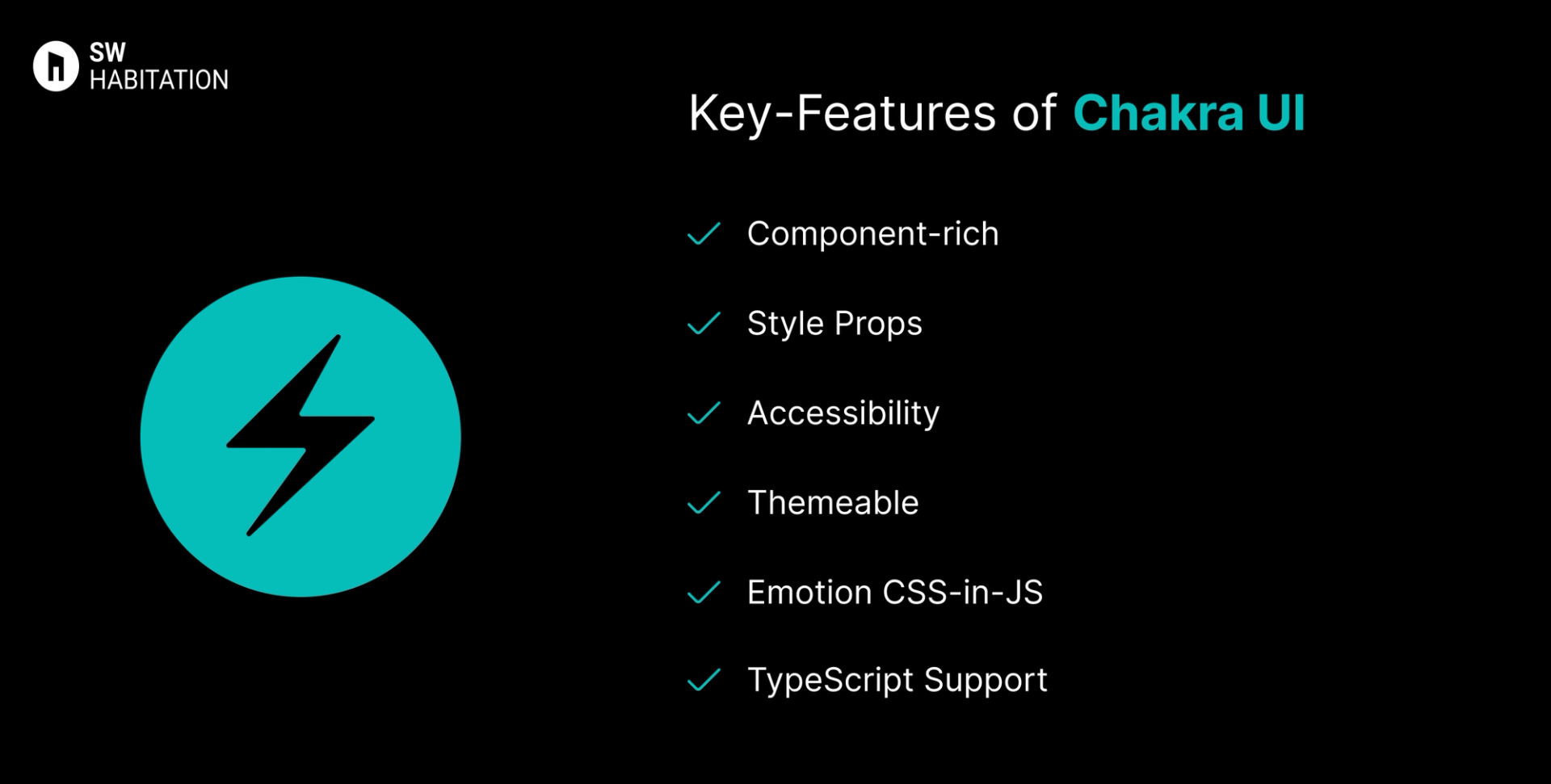
- Component-rich: Inputs, modals, alerts, menus, tooltips, accordions, etc.
- Style Props: Apply margin, padding, color, size directly via props.
- Accessibility: ARIA-compliant components out of the box.
- Themeable: Custom themes, variants, dark mode support.
- Emotion CSS-in-JS: Built with Emotion for dynamic styling.
- TypeScript Support: Fully typed and developer-friendly.
Advantages of Chakra UI
- Easy to use with minimal setup.
- Style props eliminate the need for external CSS.
- Great documentation and community support.
- Built-in dark mode and responsive utilities.
- Clean and maintainable code structure.
Disadvantages of Chakra UI
- Limited design flexibility if you want pixel-perfect UI.
- Larger bundle size due to style props and runtime styling.
- Less control over raw DOM/styling.
- Not Tailwind-friendly out of the box.
- Can be verbose for deeply nested component trees.
Comparison Between Foundation vs Chakra UI
Use Cases of Foundation
- Websites needing advanced UI components with JS integration.
- Projects needing responsive emails + websites.
- Large-scale projects with complex layouts.
- Enterprise websites requiring accessibility.
Use Cases of Chakra UI
- MVPs, SaaS apps, portfolios that need speed + simplicity
- Devs who prefer using props for styling
- Teams focused on accessibility and fast prototyping
- Apps where the design doesn’t need to be pixel-perfect
- Projects using Emotion or CSS-in-JS ecosystem
Other Resources
Conclusion
UI frameworks make building a polished website way easier. Whether you're working on something simple or a big project, they help you get things looking just right without having to stress over every little design decision. With ready-to-use components, responsive layouts, and modern styles, you can build faster and smarter.
So, pick one that works for you, and start creating a site that looks amazing from the get-go.
Frequently asked questions
What is Foundation CSS?
Foundation is a responsive front-end framework by Zurb, used to build mobile-first, accessible websites.
How is it different from Bootstrap?
Both are popular, but Foundation is more flexible, Sass-driven, and has stronger accessibility features.
Is Foundation mobile-first?
Yes, its grid and components are designed with mobile-first responsiveness.
Can I customize Foundation easily?
Yes, it’s built with Sass, so you can tweak variables, colors, and components.
Does Foundation support accessibility?
Definitely. It includes ARIA support and a11y-friendly components out of the box.
Is Chakra UI good for accessibility?
Yes! Chakra UI is designed with accessibility (a11y) in mind, following WAI-ARIA standards.
Does Chakra UI support dark mode?
Yes, it has built-in dark mode toggling using the ColorModeProvider.
What styling method does Chakra UI use?
Chakra uses Emotion (a CSS-in-JS library) and style props for inline styling.
Can I create custom themes in Chakra UI?
Definitely. Chakra has a powerful theming system that supports tokens, variants, and full overrides.
Is Chakra UI production-ready?
Yes. It’s widely used in SaaS apps and has a strong developer community.