
Bootstrap vs. Fomantic-UI
 By SW Habitation
Bootstrap

Fomantic-UI
You know how building a website can feel like a lot, especially when you’re trying to style every little thing yourself? Buttons, forms, layouts… it adds up fast. That’s where UI frameworks really save the day. They give you a bunch of premade design elements that you can just drop in and go. It’s like having a design starter pack that helps your site look clean and professional, without spending forever tweaking the details.
What is Bootstrap ?
Bootstrap is the most popular CSS Framework for developing responsive and mobile-first websites. Do you know it was originally developed by Twitter now X and is now maintained by a large community of developers. Bootstrap provides a collection of pre-designed HTML, CSS, and JavaScript components that can be used to build websites quickly and easily.
Key Features of Bootstrap
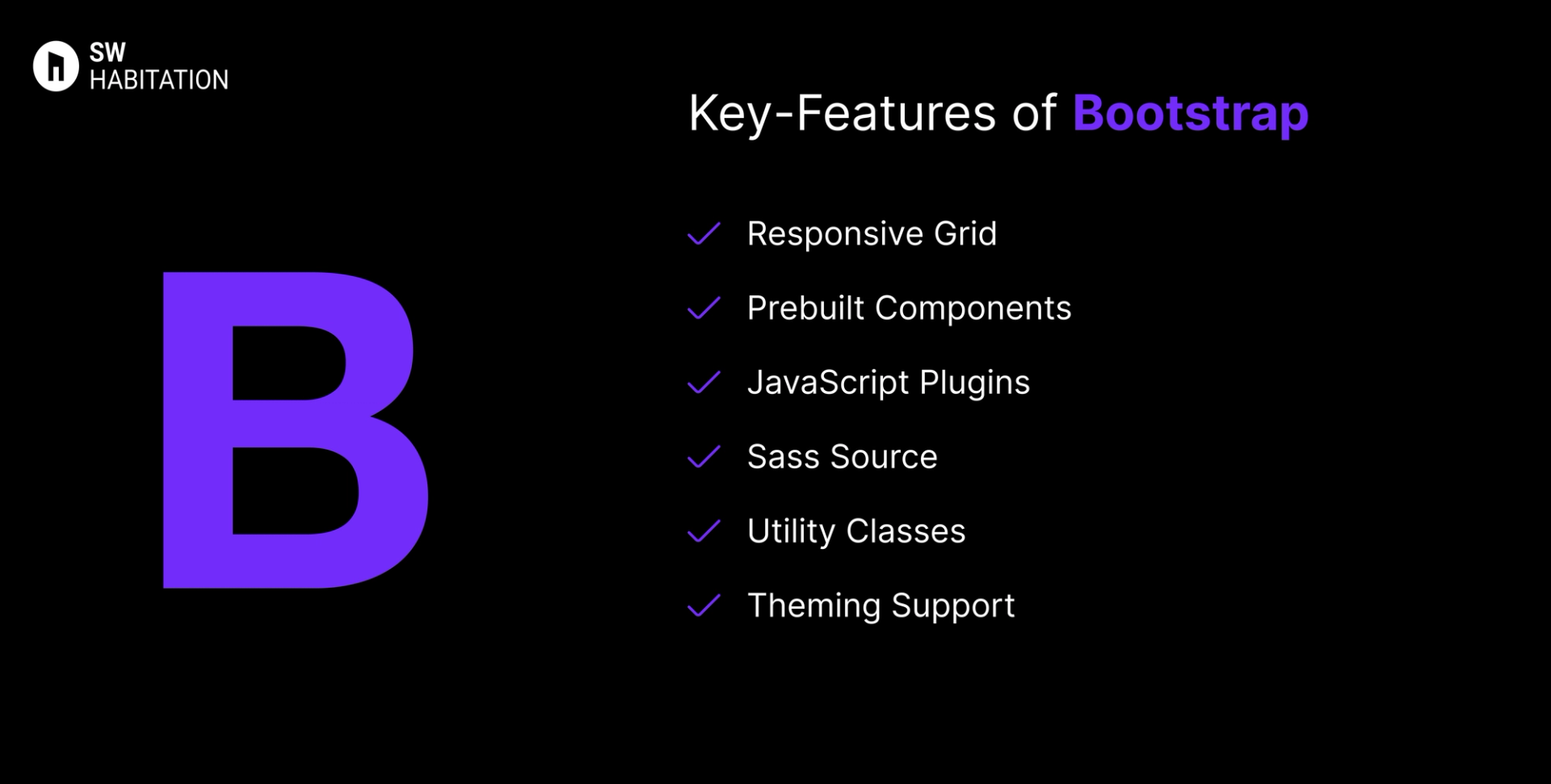
- Responsive Grid: 12-column Flexbox grid with multiple breakpoints.
- Prebuilt Components: Includes modals, tooltips, carousels, navbars, etc.
- JavaScript Plugins: Native JS components — no jQuery dependency now.
- Sass Source: Source code in Sass for easy customization.
- Utility Classes: Tons of helper classes for spacing, colors, displays.
- Theming Support: Customizable via Sass variables.
Advantages of Bootstrap
- Fast Setup: Quickly spin up pages with minimal styling needed.
- Consistency Across Browsers: Ensures uniform UI elements.
- Large Ecosystem: Thousands of themes, templates, starters available
- Modular: Easily import only needed components via Sass.
- Strong Community: Longstanding support and wide adoption.
Disadvantages of Bootstrap
- Learning Curve: Advanced customization requires more expertise
- Overuse of Classes: Cluttered HTML, harder to maintain.
- Heavy File Size: Includes unnecessary CSS/JS, increasing load times.
- Limited Customization: Hard to deeply customize without overriding defaults.
- Uniform Design: Sites can look similar unless customized heavily.
What is Fomantic-UI?
Fomantic-UI is a modern version of the popular Semantic UI, made and improved by the community. It is a tool for building websites that are responsive, easy to style, and user-friendly, fast.
It focuses on semantic class names that read like natural language, making code more intuitive and easier to understand. Since it’s a fork, it has continued where Semantic UI left off, with new features, updates, and active maintenance by the community.
Key Features of Fomantic-UI
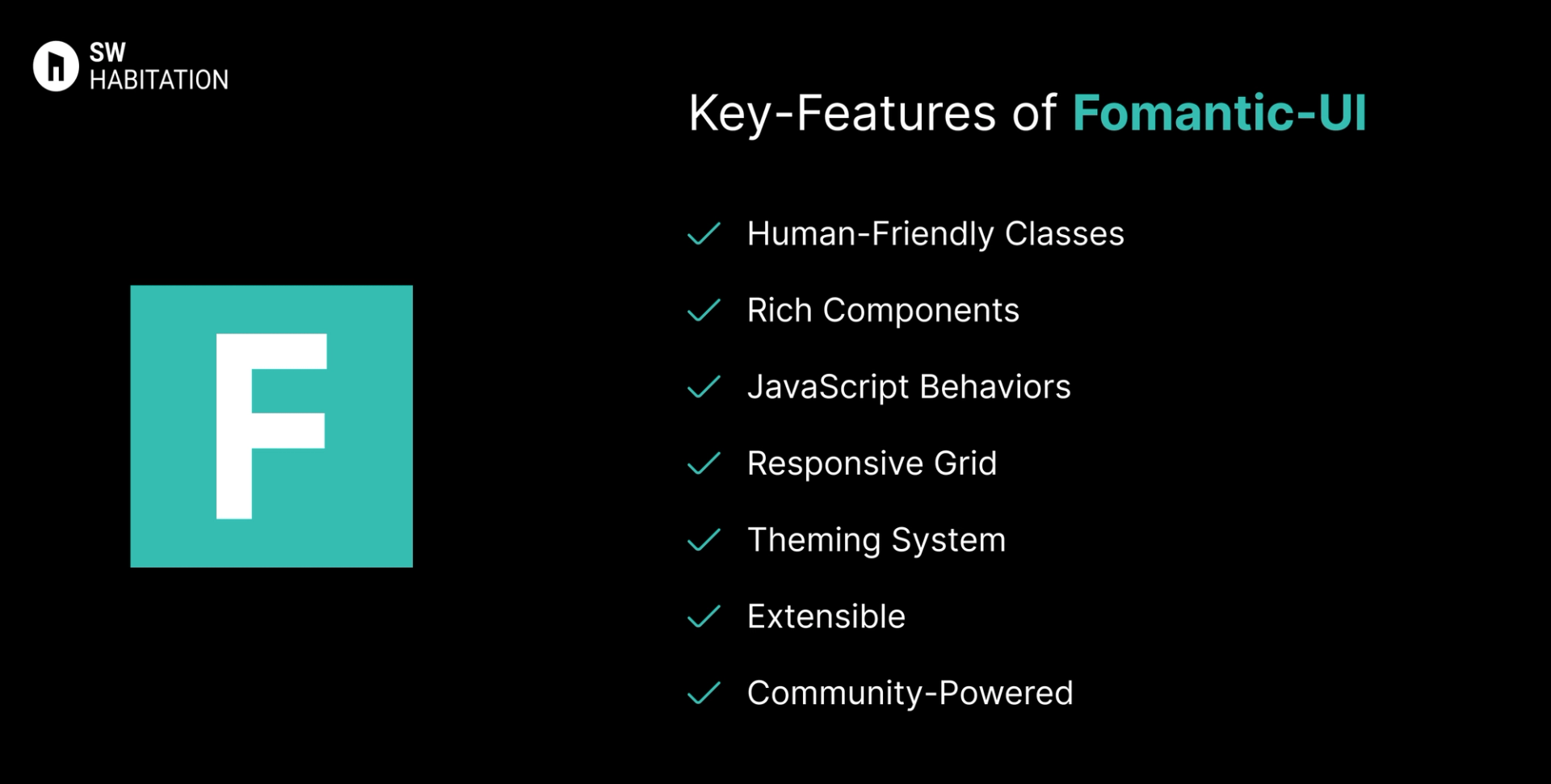
- Human-Friendly Classes: Semantic class names like ui button, ui card, ui grid.
- Rich Components: Buttons, forms, modals, dropdowns, cards, tabs, and more.
- JavaScript Behaviors: Built-in behaviors for modals, accordions, dropdowns, sliders, etc.
- Responsive Grid: Powerful 16-column responsive grid system.
- Theming System: Fully themable with LESS variables and customization options.
- Extensible: Modular build — include only what you need.
- Community-Powered: Active development and updates compared to the abandoned Semantic UI.
Advantages of Fomantic-UI
- Full-Featured: Includes both CSS components and JavaScript behaviors.
- Rich UI Library: Over 50 components for quick UI building.
- Readable Code: Natural-language style class names make HTML easier to read.
- All-in-One Framework: No need to rely on external JS for basic UI behaviors.
- Strong Theming Support: Easily customizable with LESS variables.
- Community Driven: Regularly updated and maintained by the community.
Disadvantages of Fomantic-UI
- Requires jQuery: JavaScript behaviors still depend on jQuery.
- Learning Curve: Semantic-style class names may feel unusual for new developers.
- LESS Dependency: Built on LESS, which is less popular today compared to Sass or CSS-in-JS.
- Not as Popular: Smaller ecosystem compared to Bootstrap or Tailwind CSS.
- Heavy File Size: Larger compared to lightweight frameworks like Bulma or Milligram.
Comparison Between Bootstrap vs Fomantic-UI
Use Cases of Bootstrap
- Projects where consistency outweighs custom design
- Legacy apps or CMS integration
- Quick MVPs and prototypes
- Dashboard templates, admin panels
Use Cases of Fomantic-UI
- Teams migrating from Semantic UI: Seamless replacement with updates and support.
- Enterprise Web Apps: Strong theming and responsive layout capabilities.
- Prototypes: Quickly build UI with semantic classes.
- Admin Dashboards: Ready-to-use components and JS behaviors.
- Apps Requiring Complex UI: Dropdowns, modals, tabs, accordions built in.
Other Resources
Conclusion
UI frameworks make building a polished website way easier. Whether you're working on something simple or a big project, they help you get things looking just right without having to stress over every little design decision. With ready-to-use components, responsive layouts, and modern styles, you can build faster and smarter.
So, pick one that works for you, and start creating a site that looks amazing from the get-go.
Frequently asked questions
Can I use Bootstrap without JavaScript libraries?
Yes, Bootstrap 5 bundles native JS components and doesn’t require jQuery.
Is Bootstrap responsive?
Yes, built mobile-first using its Flexbox grid and responsive utilities.
Do I need to know HTML, CSS, and JavaScript to use Bootstrap?
Basic knowledge of HTML and CSS is enough to get started. However, knowing JavaScript helps if you want to customize components or use advanced features.
How does Bootstrap help with mobile responsiveness?
Bootstrap uses a grid system and media queries to make websites automatically adjust to different screen sizes, ensuring good user experience across devices.
What is the difference between Semantic UI and Fomantic-UI?
Fomantic-UI is a community-driven fork of Semantic UI. While Semantic UI is no longer actively maintained, Fomantic continues development with updates and improvements.
Does Fomantic-UI need JavaScript?
Yes, for interactive components like modals, accordions, dropdowns, and tabs. It relies on jQuery for JavaScript behaviors.
Is Fomantic-UI beginner-friendly?
Yes, especially for developers who like readable class names for example, ui button. But it may take some time to adjust if you’re coming from Bootstrap or Tailwind.
Can I use Fomantic-UI with React or Vue?
Yes, but since it depends on jQuery, you may need extra configuration or wrappers like Semantic UI React though it’s not fully tied to Fomantic updates.
Is Fomantic-UI still maintained?
Yes, the community is actively maintaining it with frequent updates and bug fixes, unlike the original Semantic UI.