
Alpine JS vs. Meteor.js
 By SW Habitation
Alpine JS

Meteor.js
So, you know when you want to build a website or app, but doing everything from scratch feels kinda overwhelming? That’s where web frameworks come in. They’re like a ready-made set of tools and building blocks that help you get things up and running way faster. Instead of figuring out every little piece yourself, a framework gives you a solid base to build on, and lets you focus on making something cool.
What is Alpine.js?
Alpine.js is a lightweight JavaScript framework that gives you the power of modern reactive frameworks like Vue or React, but with a syntax and feel closer to HTML attributes. Often called the Tailwind for JavaScript, Alpine is designed for adding interactivity to static HTML without a heavy build process or complex tooling.
It’s perfect for developers who want to sprinkle dynamic behavior on otherwise static websites without pulling in a big framework.
Key Features of Alpine.js
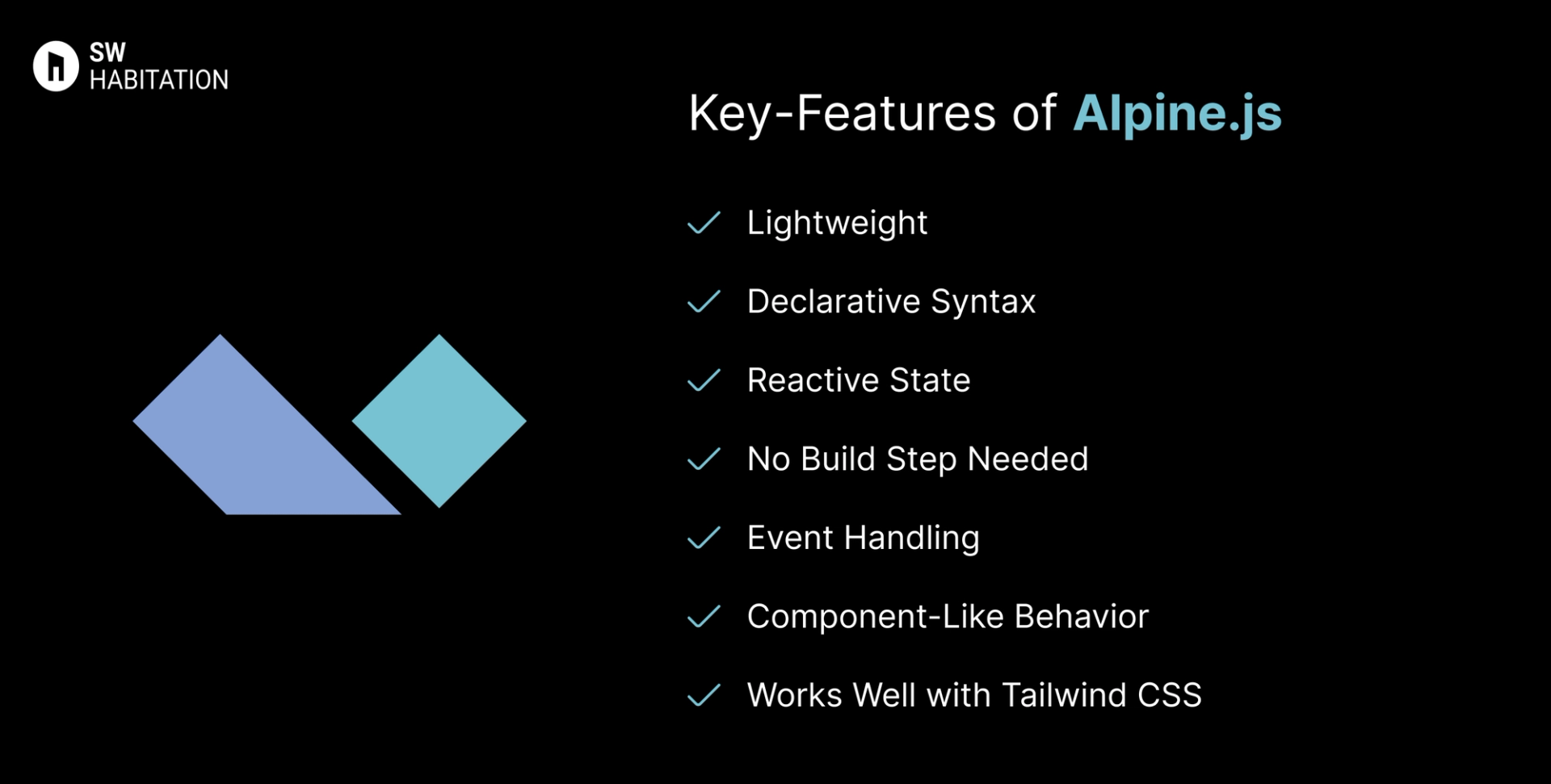
- Lightweight: Just ~10kb gzipped, super small and fast.
- Declarative Syntax: Works directly in HTML with x-data, x-show, x-bind, etc.
- Reactive State: Reactive data binding without a Virtual DOM.
- No Build Step Needed: Can be dropped into any project via a <script> tag.
- Event Handling: Easy event listeners with @click, @input, etc.
- Component-Like Behavior: Encapsulate logic inside HTML attributes.
- Works Well with Tailwind CSS: Often paired together for modern UI.
Advantages of Alpine.js
- Super Lightweight: No bundling needed, just drop a script.
- Easy to Learn: Simple, HTML-first syntax.
- Great for Sprinkles of Interactivity: Ideal for forms, dropdowns, modals.
- No Build Tools Required: Runs directly in the browser.
- Works with Any Backend: Add to Laravel, Rails, Django, or plain HTML.
Disadvantages of Alpine.js
- Not for Large Apps: Best for smaller interactive features, not full SPAs.
- Smaller Ecosystem: Limited compared to React/Vue.
- Less Advanced Tooling: No built-in SSR or complex routing.
- Smaller Community: Growing, but not as large as big frameworks.
What is Meteor.js ?
Meteor.js is a full-stack JavaScript framework that lets you build modern web apps super fast. It’s designed so that frontend, backend, and database all work together seamlessly. One of its coolest features is real-time updates anything you change on the server automatically shows up on the client without refreshing the page.
You can use React, Angular, Vue, or Blaze for the UI, and Meteor handles syncing the data automatically using a client-side cache called Minimongo. This makes it perfect for apps like chat platforms, dashboards, collaborative tools, or any app that needs live updates.
Meteor also comes with a lot of packages via Atmosphere.js, which makes adding new features easier, and you can deploy your app quickly using Meteor Galaxy or any Node server. Basically, Meteor is great for devs who want to prototype fast, ship MVPs, or build apps with instant updates without spending tons of time wiring everything together manually.
Key Features of Meteor.js
- Full-stack framework : Handles frontend, backend, and database together.
- Real-time updates : Changes on server reflect on client instantly without refresh.
- Supports multiple UI libraries : Works with React, Angular, Vue, or Blaze.
- Built-in data layer : Uses Minimongo for fast client-side caching.
- Easy deployment : Can deploy apps quickly with Meteor Galaxy or any Node server.
- Package ecosystem : Has Atmosphere.js for extra packages.
- Hot code reload : See changes instantly during development without restarting the app.
Advantages of Meteor.js
- Real-time by default : No extra code needed for instant updates.
- Full-stack in one : Frontend, backend, DB all together.
- Rapid prototyping : Build MVPs very fast.
- Hot reload : Makes development smooth and fun.
- Flexible UI : Use React, Angular, Vue, or Blaze.
- Active ecosystem : Packages on Atmosphere.js help extend functionality.
- Good community support : Tutorials, forums, and guides available.
Disadvantages of Meteor.js
- Not great for huge apps : Can get messy with very large projects.
- Smaller ecosystem than Node/React : Fewer third-party packages overall.
- Learning curve : Real-time concepts and Minimongo can confuse beginners.
- Performance issues : Large-scale apps need optimization for speed.
- Less opinionated structure : Can lead to inconsistent project organization.
- Database tied to MongoDB : Mainly works best with MongoDB.
- Updates Sometimes tricky : Breaking changes possible when upgrading Meteor version.
Comparison Between Alpine JS vs Meteor.js
Use Cases of Alpine JS
- UI Components: Modals, dropdowns, accordions, tooltips.
- Forms: Validations, dynamic fields, toggles.
- Blogs/Portfolios: Adding interactive behavior to static content.
- E-commerce: Lightweight cart toggles, filters, and menus.
- Legacy Projects: Add reactivity without rewriting the whole app.
Use Cases of Meteor.js
- Chat apps : Real-time messaging works out-of-the-box.
- Dashboards : Live data dashboards with instant updates.
- Collaborative apps : Multi-user editing apps, like Trello clone.
- MVPs & prototypes : Rapidly build and test ideas.
- Games & social apps : Real-time updates make it smooth.
Other Resources
Conclusion
Web frameworks make building websites and apps a whole lot easier. Whether you’re working on a personal project or something big for work, they help with the heavy lifting—like routing, design structure, and how everything connects.
With support for things like server-side rendering, optimized performance, and developer-friendly features, these tools let you create faster, smarter, and cleaner websites. Just pick the one that fits your style, and start building something awesome 🚀
Frequently asked questions
Is Alpine.js like React or Vue?
Yes, but much lighter and HTML-first.
How big is Alpine.js?
~10kb gzipped.
Do I need a build step?
No, just add via <script> tag.
Can Alpine.js build full apps?
Not ideal — best for small interactions.
When should I use Alpine.js?
When you need lightweight interactivity on static or server-rendered sites.
Is Meteor.js only for MongoDB?
Mostly yes. MongoDB is the primary database, but adapters exist for others.
Can I use React with Meteor?
Yes, React, Angular, Vue, or Blaze can be used.
Is Meteor good for production apps?
Yes, but for very large apps you might need careful optimization.
Does Meteor support real-time apps?
Absolutely. Real-time updates are built-in by default.
Why choose Meteor.js?
If you want full-stack, real-time apps fast with minimal setup, Meteor is perfect.
Next blog that you can read...
By SW HabitationBy SW Habitation